
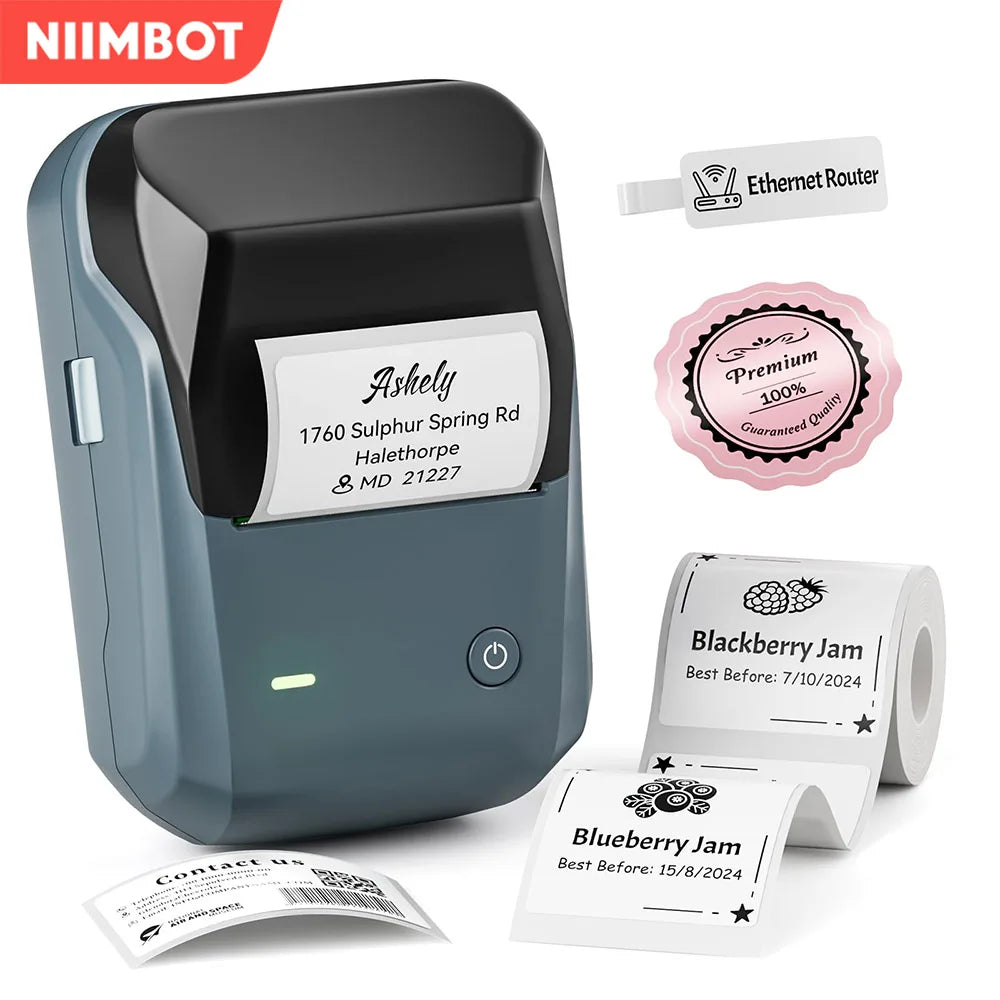
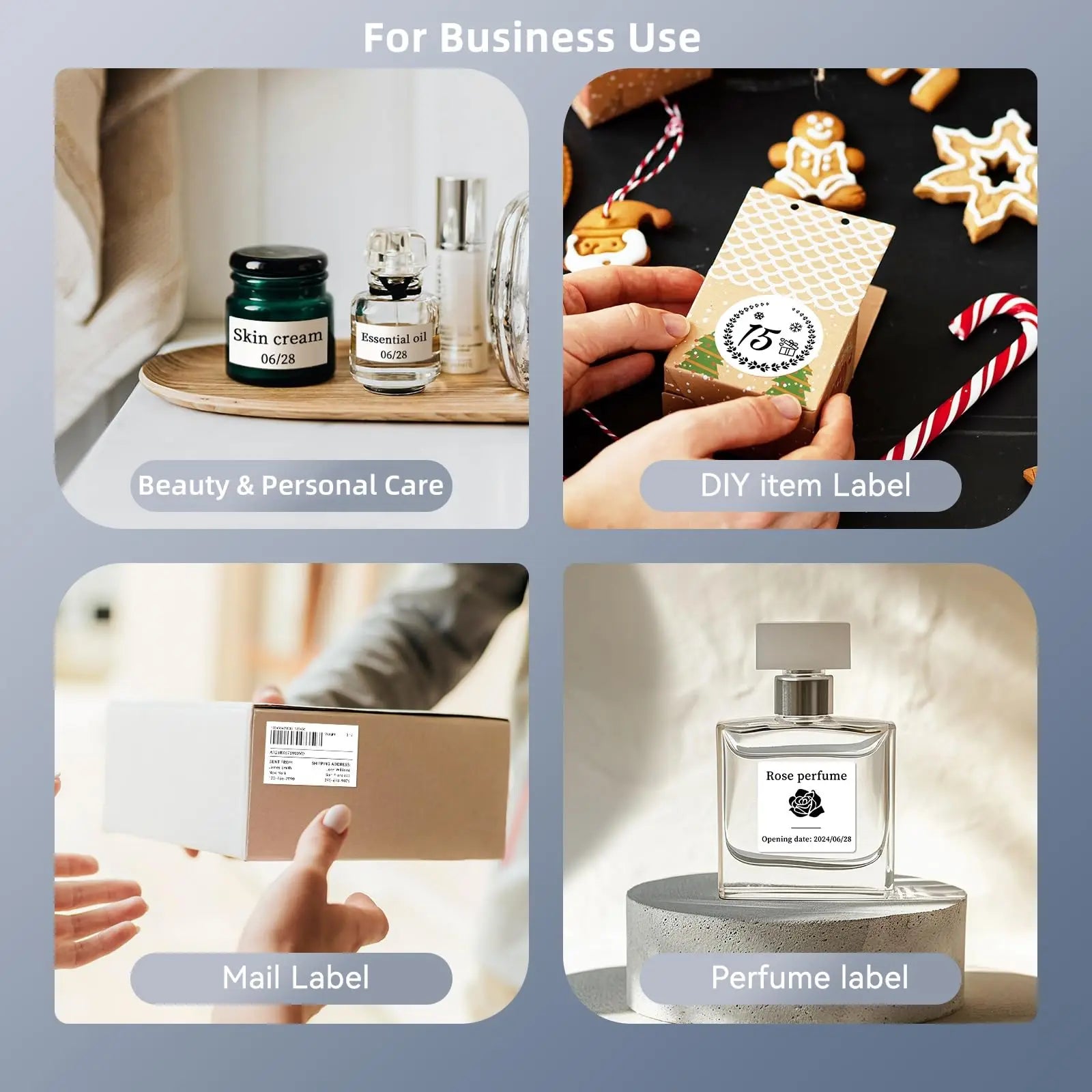
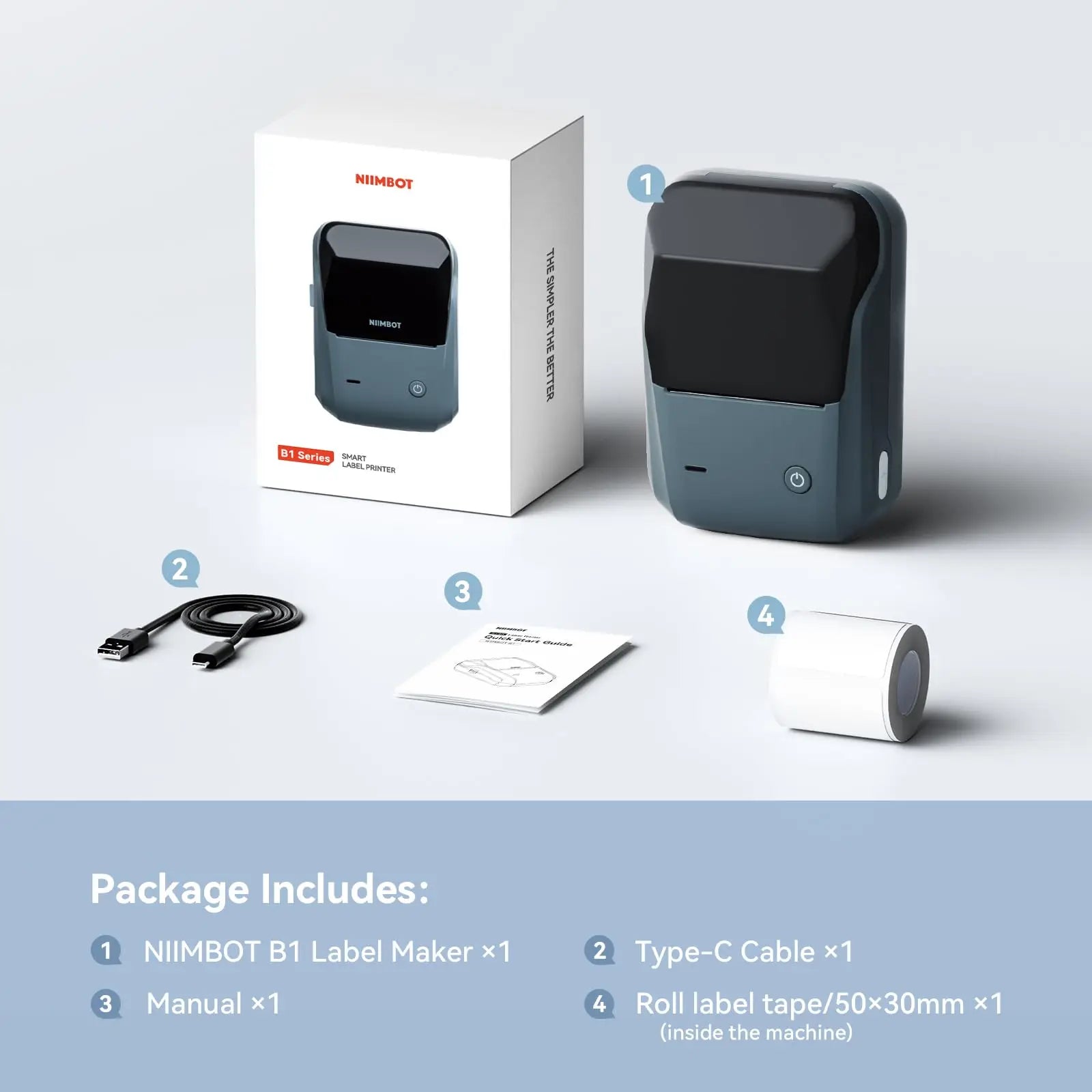
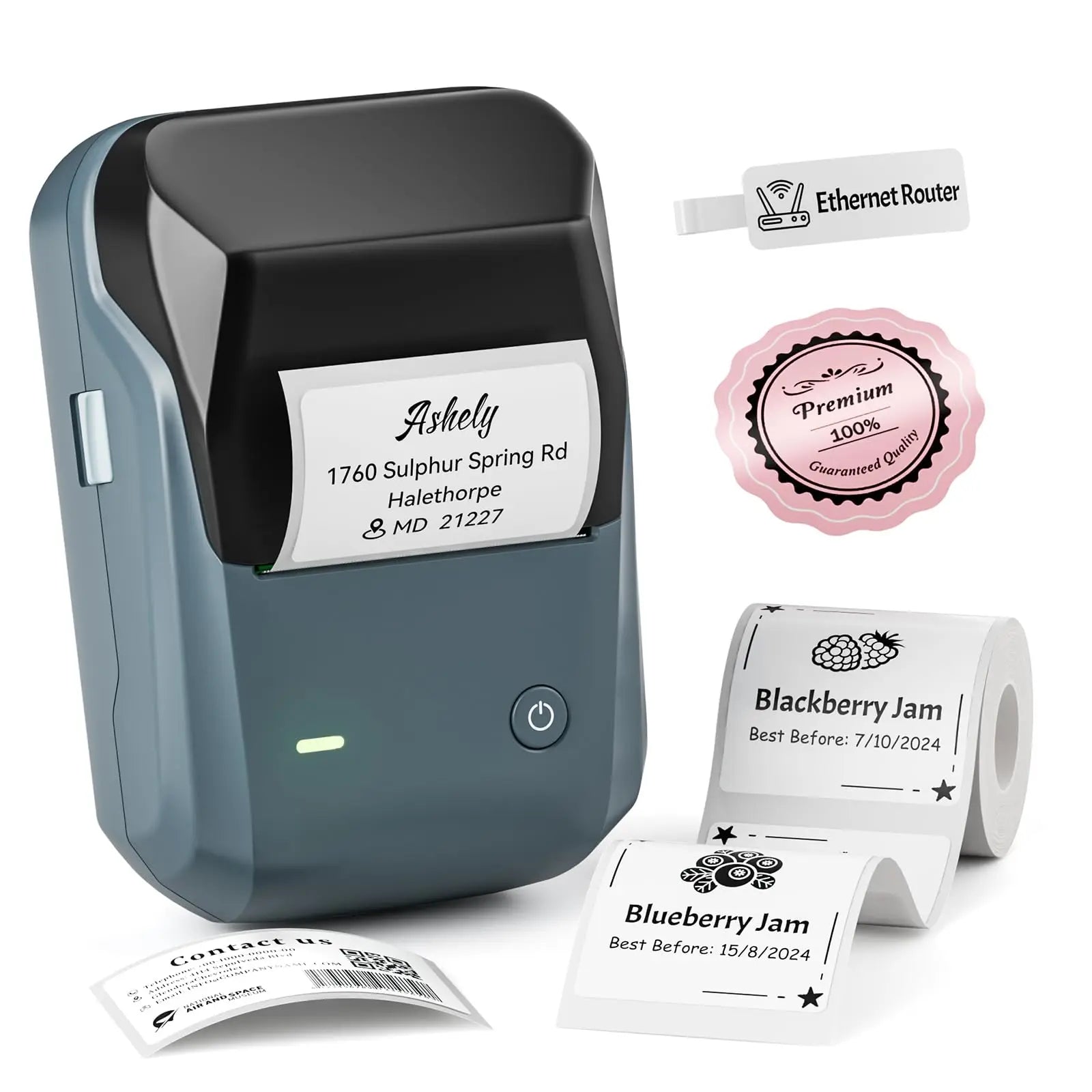
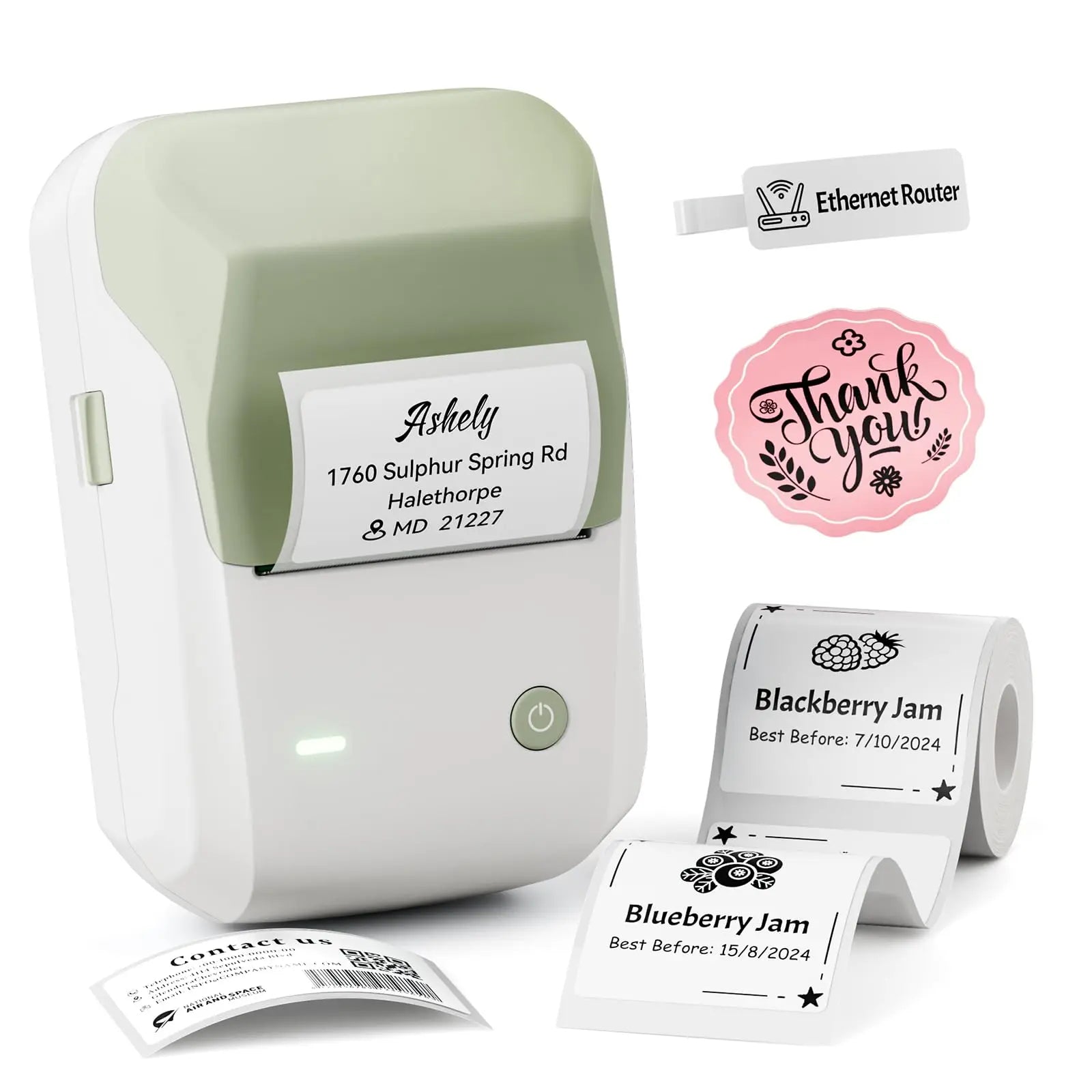
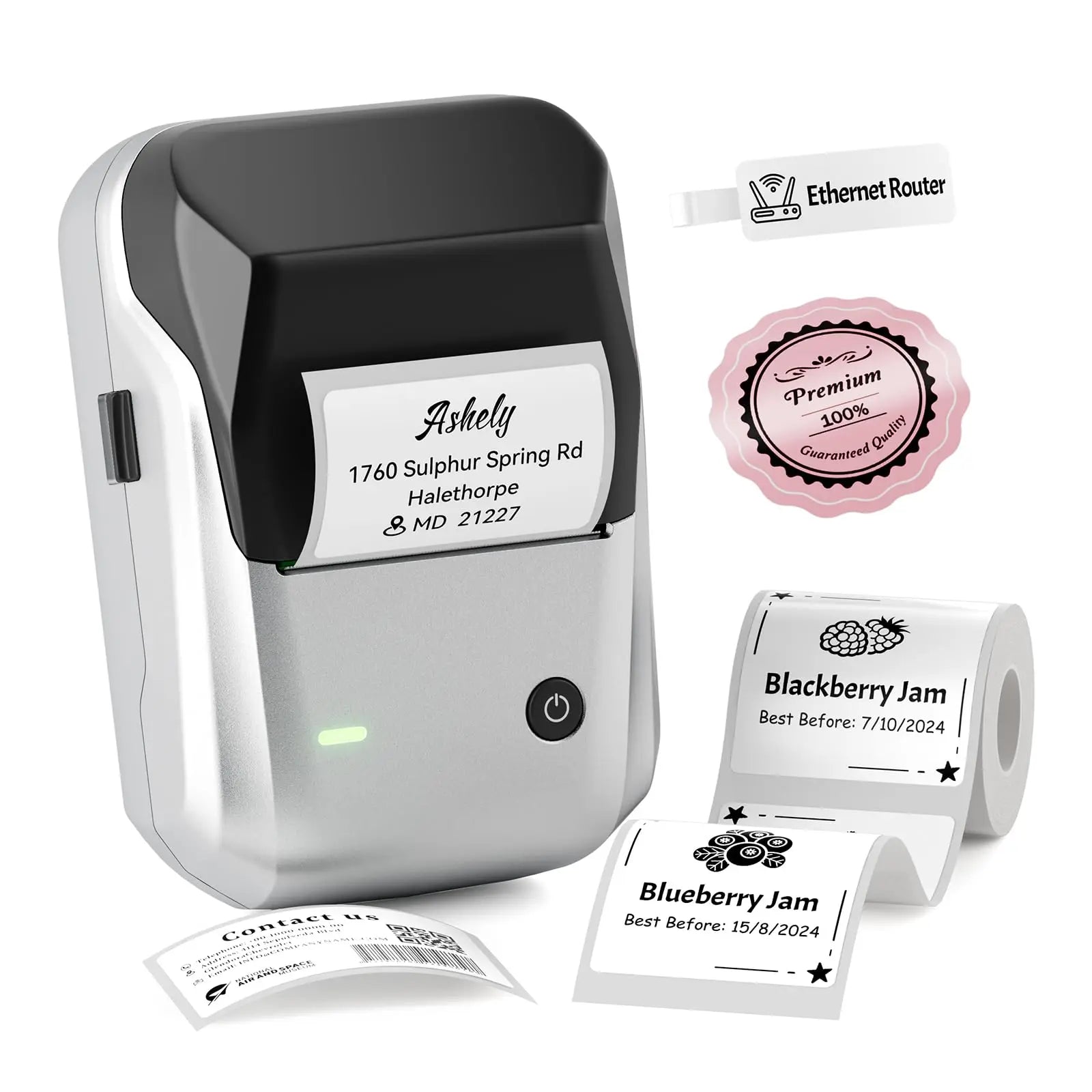
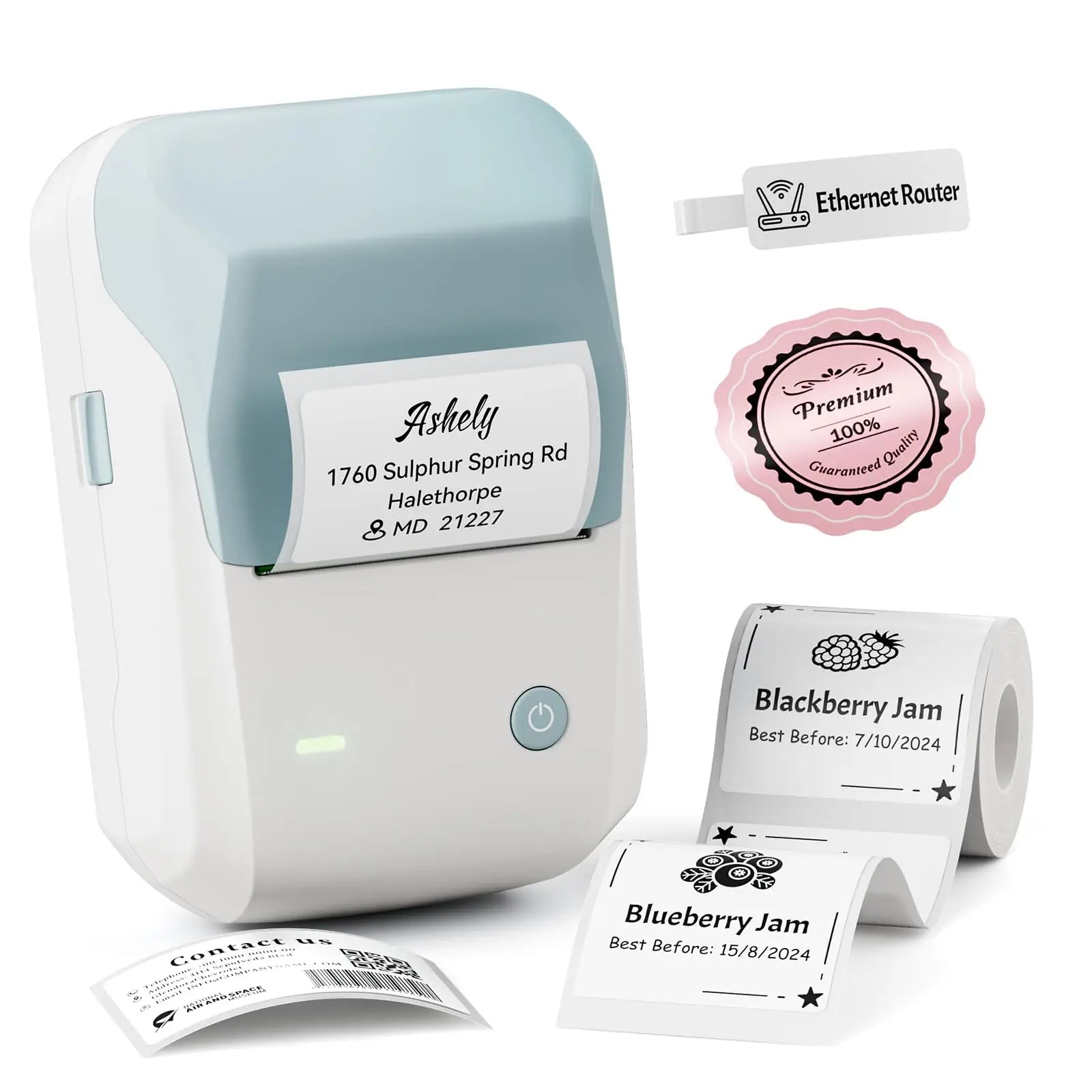
Niimbot B1 Label Maker Bluetooth Portable 2 inch Thermal Label Printer with Large Waterproof Tape for Small Business Office Home


-
SPECIFICATIONS
After-sale Service: Shop's Three Guarantees
Application: Public Usage
Battery Included: Yes
Battery-capacity: Lithium-Polymer battery(1500mAh)
Black Print Speed: max 50mm/s
Certification: CE,FCC,RoHS,KC,weee
Color: Dark Blue, Light Green, Light Blue, Silver
Color Print Speed: No
Consumable Type: Thermal Paper
Dot Matrix Printer Type: Universal ticket printer
Double-sided Printing: No
High-concerned chemical: None
Interface Type: TYPE-C
Internal Memory: None
Material: High Quality ABS
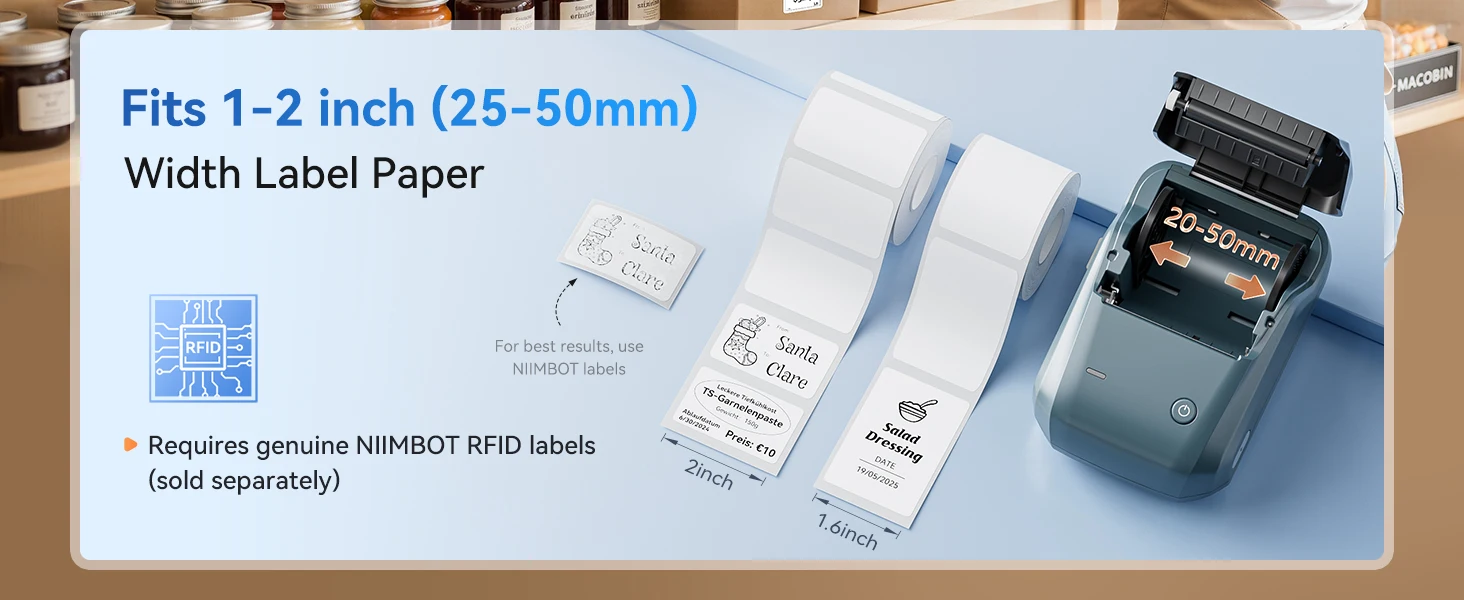
Max Paper Size: 50mm
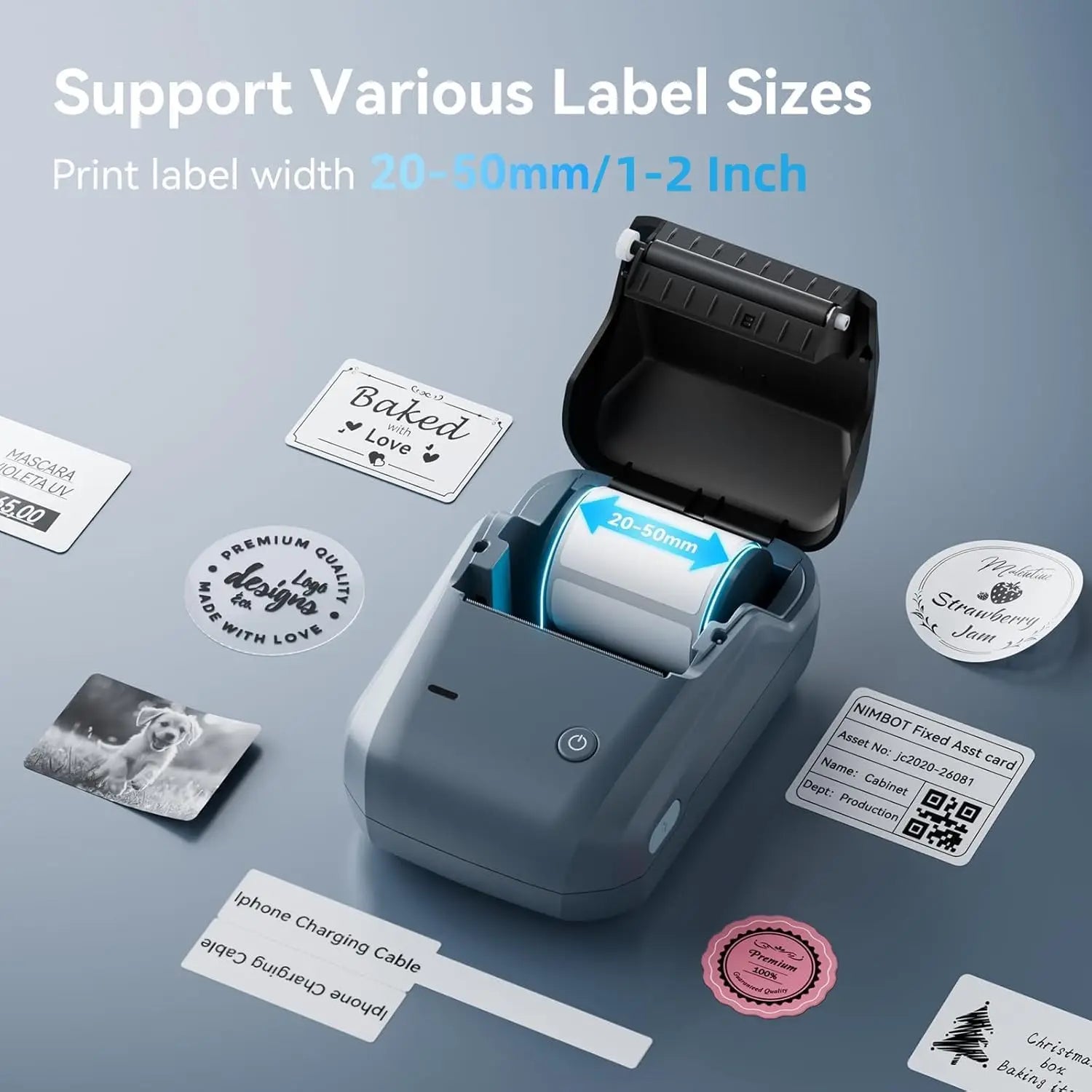
Max Paper width: 20-50mm
Max. Resolution: 203dpi
NiiMbot Model: B1
Paper Feed Mode: Roll Feed
Print Speed: 40ppm
Printing Technology: Thermal printing
Product Size: 132*91*62mm (W*D*H)
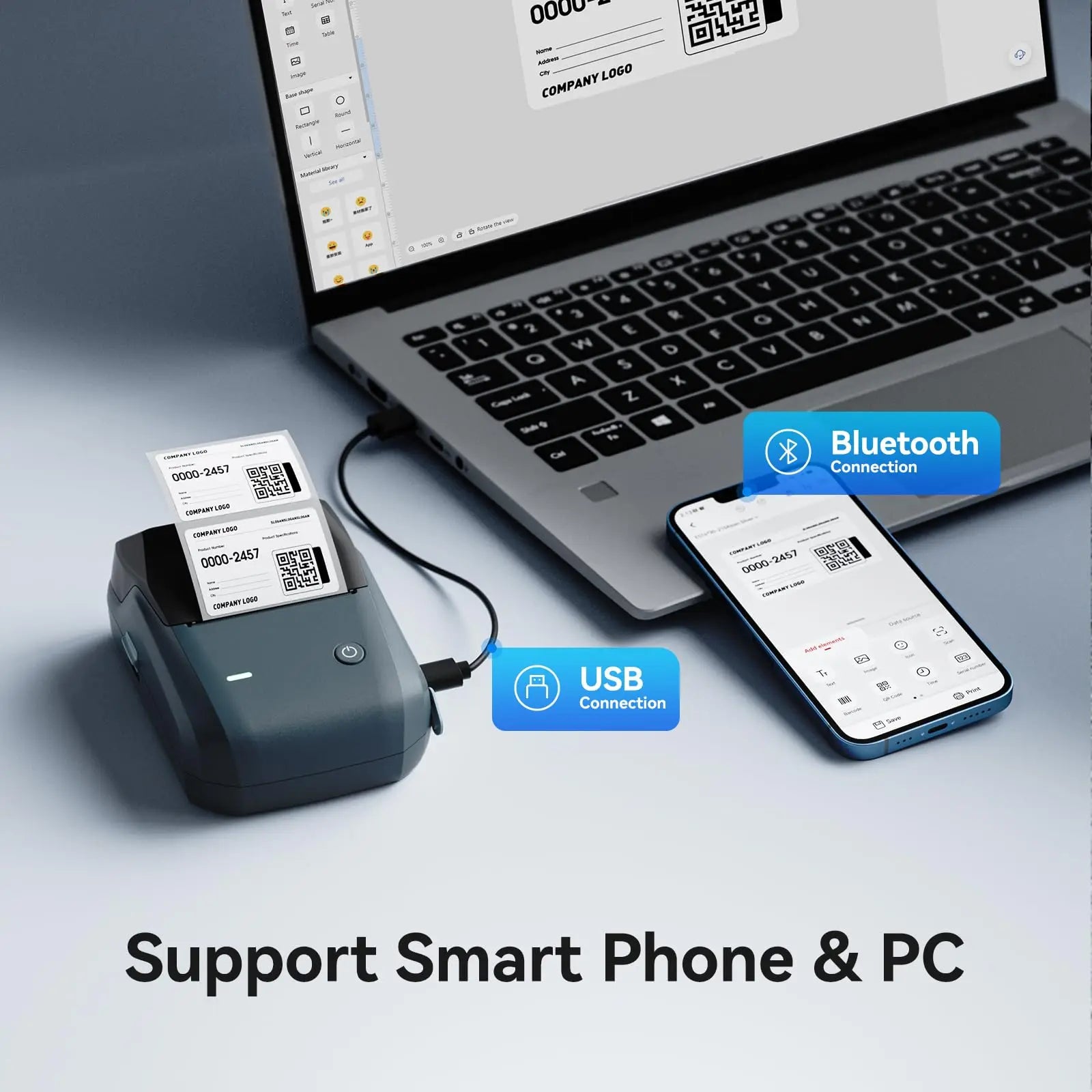
Signal Connection Type: Bluetooth
Supports Network Printing: No
Type: Thermal Printer
Use: Label Maker
Voltage: 100-240V
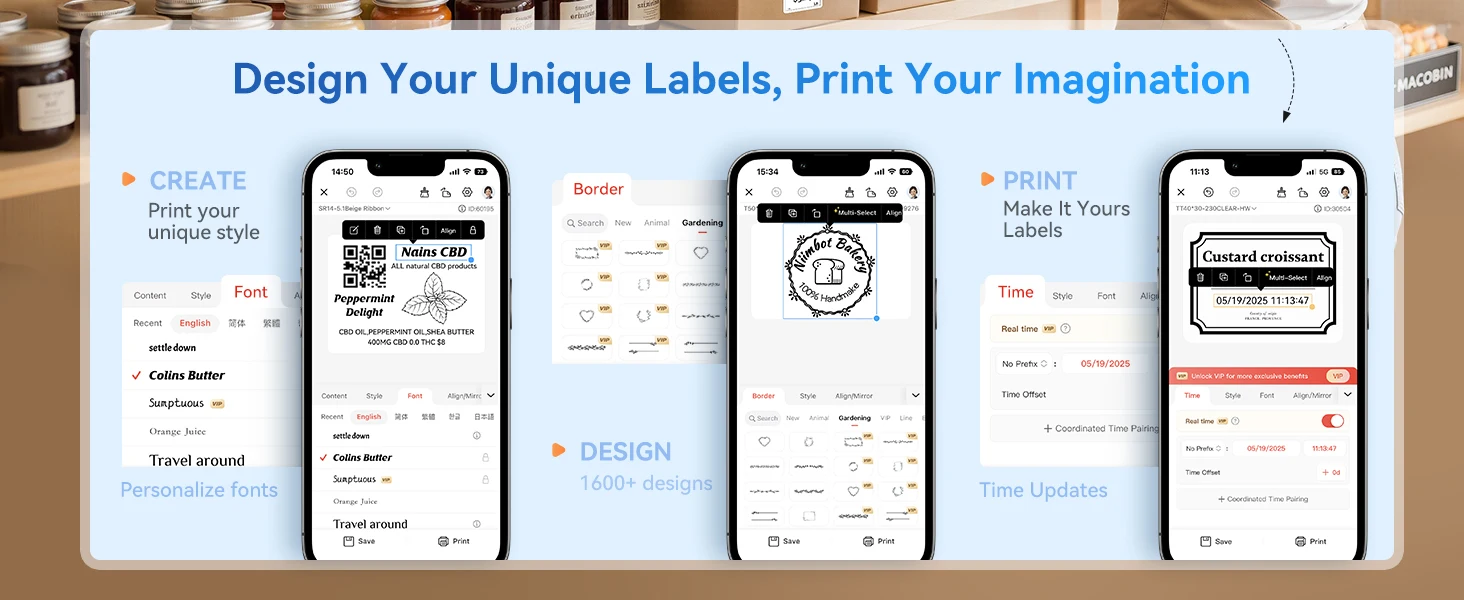
NIIMBOT B1 Mini Thermal Self-adhesive Labels Printer Bluetooth Portable QR Code Label Maker For Android Windows iOS
【Specification】
*Model: NiiMbot B1
*Charging interface: Type-c
*Material: High Quality ABS
*Charging time: 3-4 hours
*Product size: 132*91*62mm
*Consumable Type: Thermal Paper
*Max. Resolution: 203dpi
*Print Speed: max 50mm/s
*Interface Type: bluetooth
*Product net weight: 293g
*Battery-capacity: Lithium-Polymer battery(1500mAh)
*Print Width: 20-50mm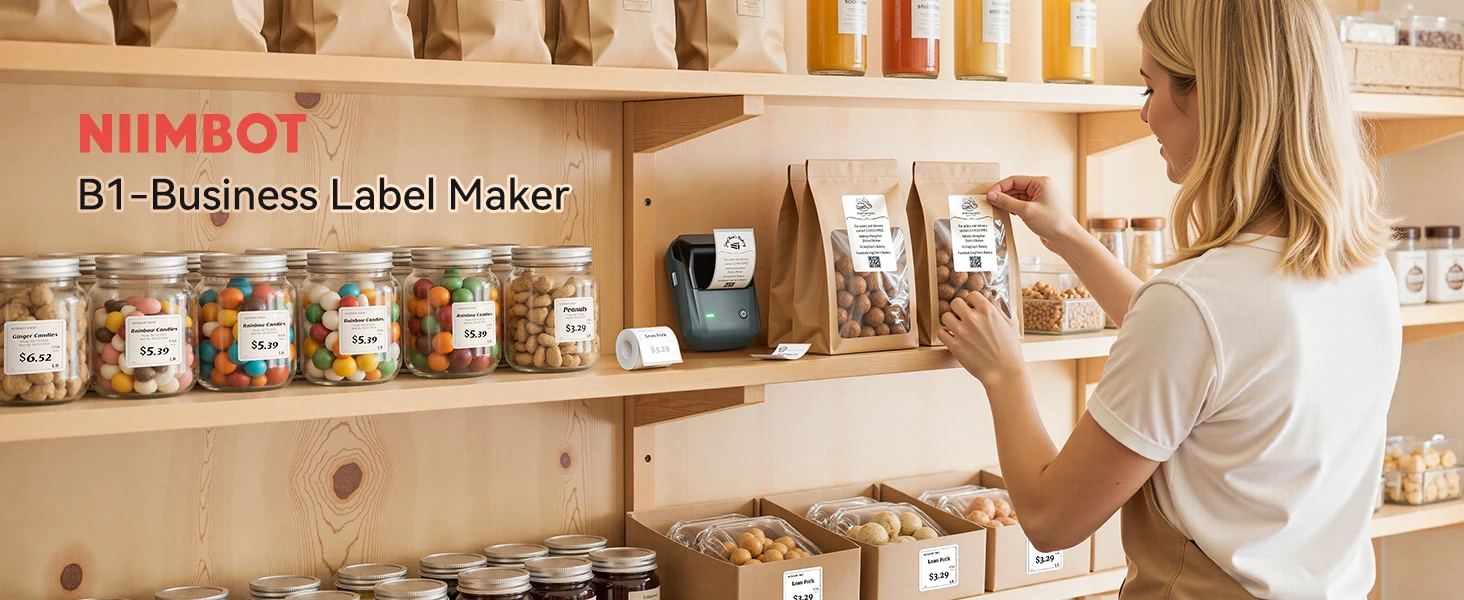

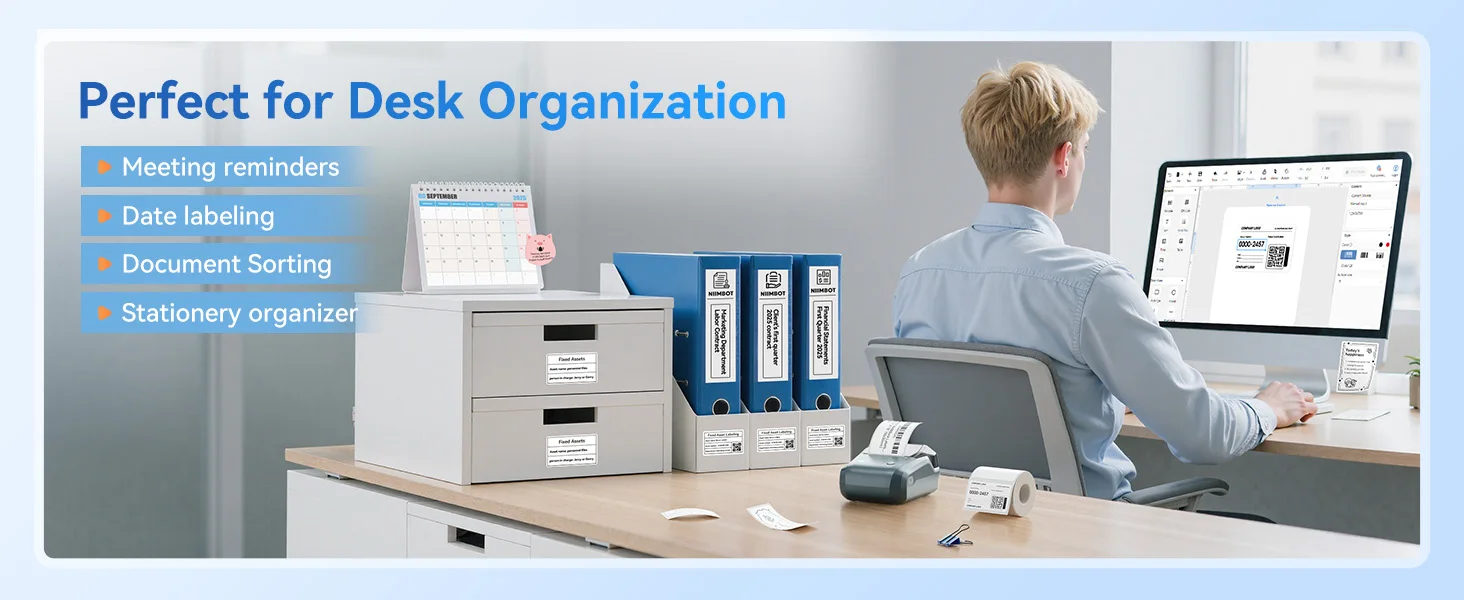

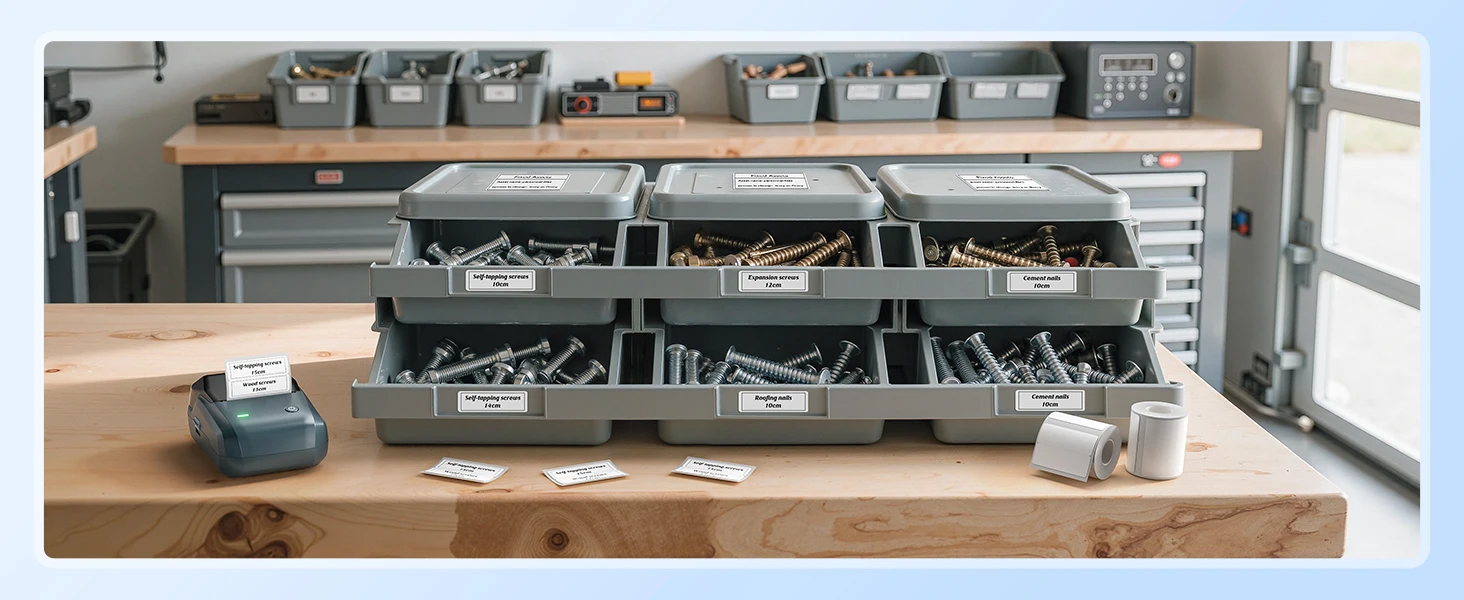
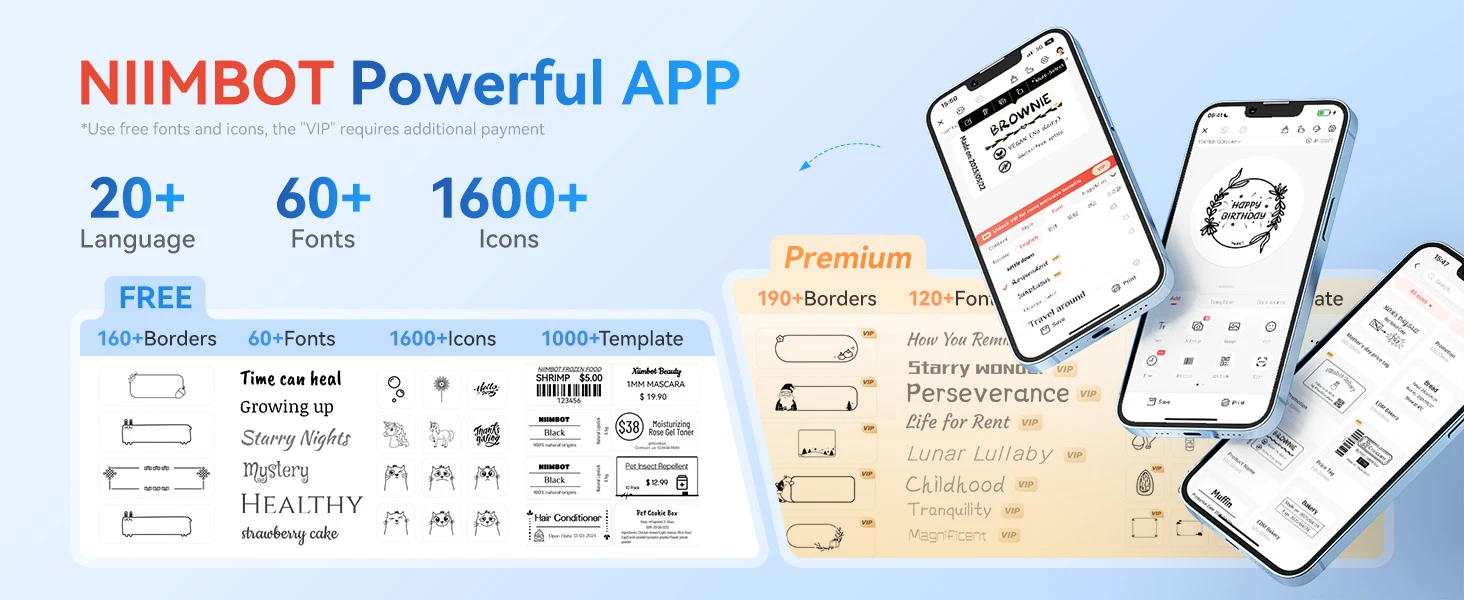
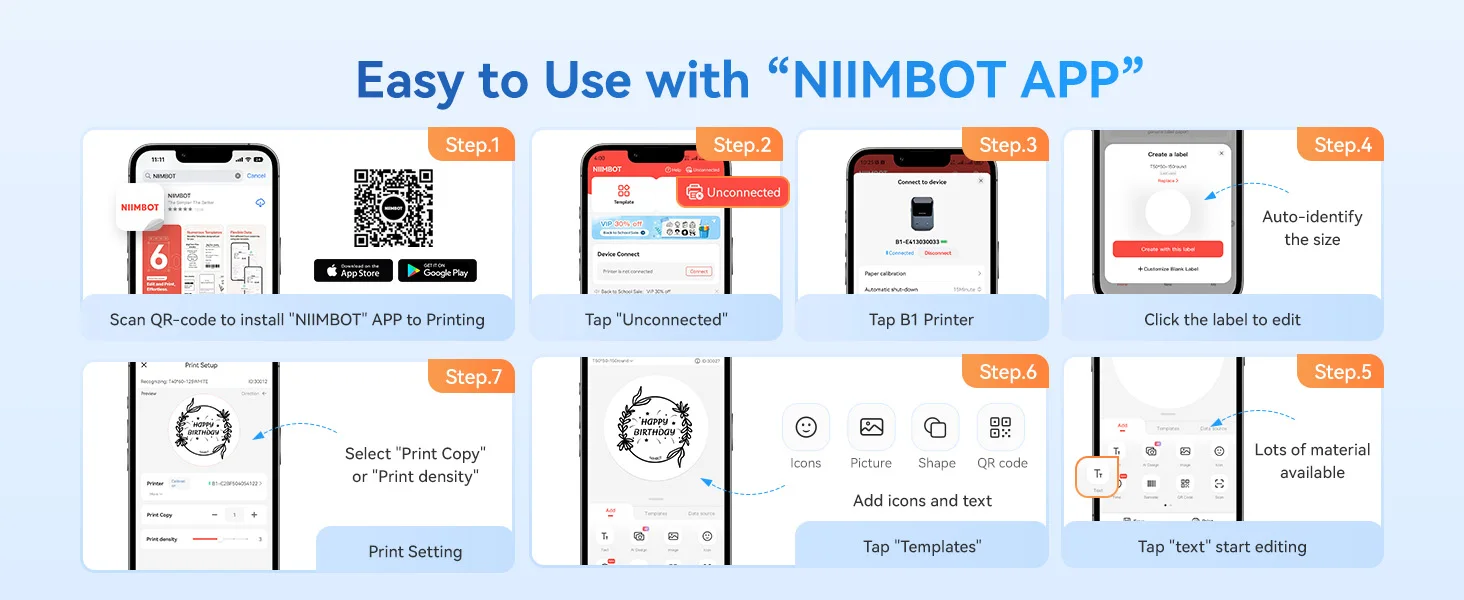
【FAQ】
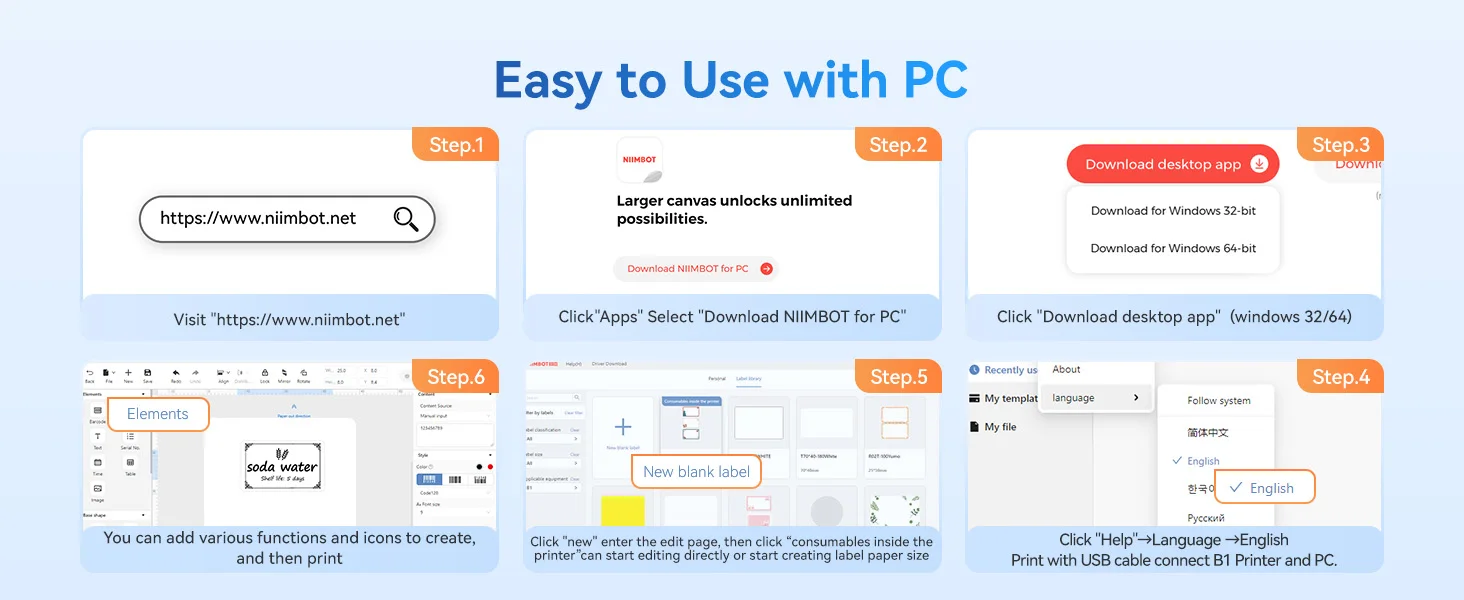
Q: Does the printer support the Windows system?
A: Yes, please go to https://www.niimbot.net/enweb/app_download.html download NIIMBOT for PC, and connect the printer to the computer with a data cable, then you can install the label roll and edit it.
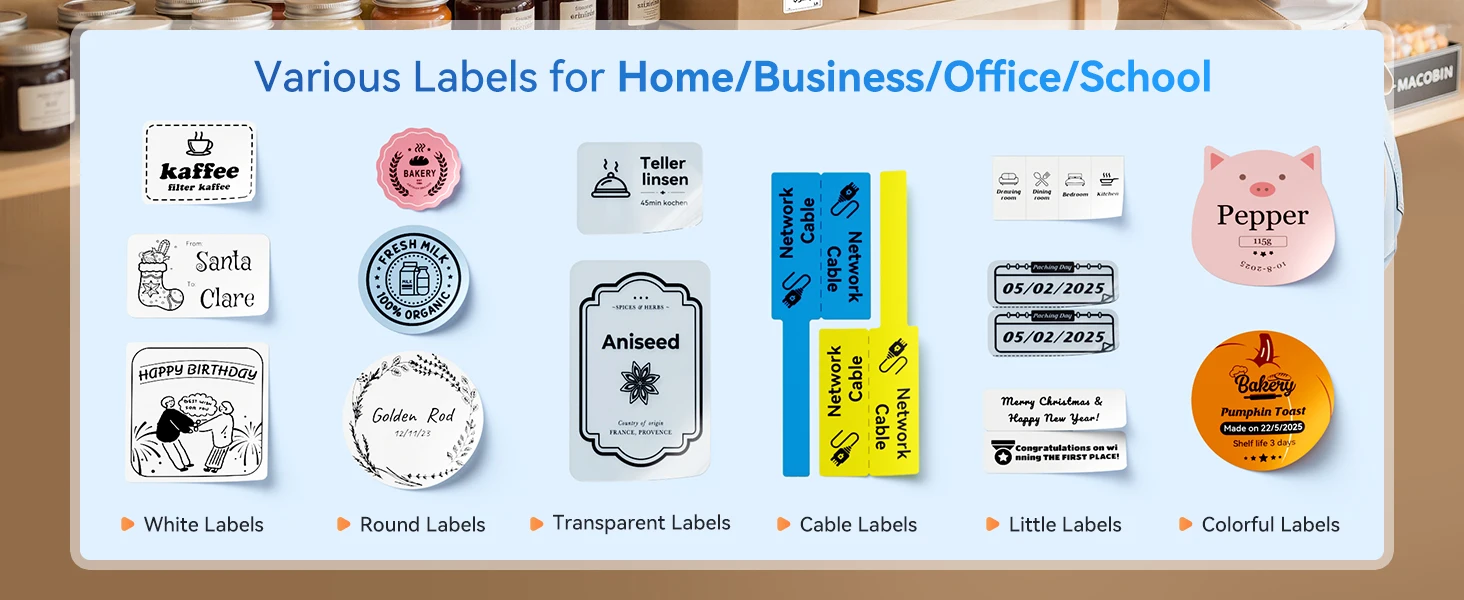
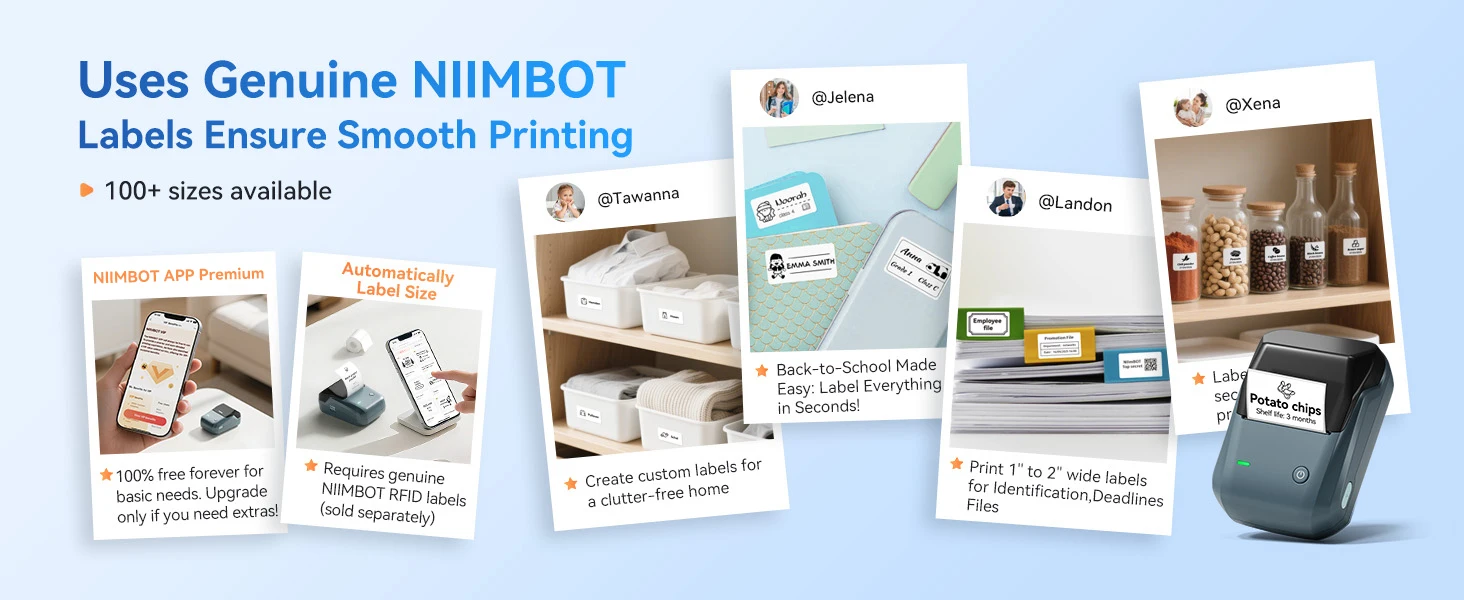
Q: Does the label printer come with a roll of label ?
A: Yes, the label paper is placed inside the label printer and can be found by opening the lid.
Q: Why is the label printer making noise but not the label coming out when printing?
A: This is because there is a sealing sticker on the label paper, please tear it off first, then close the lid and keep part of the first label paper exposed outside the printer.
Q: How do I maintain this label printer daily?
A: To maintain battery activity, it is recommended to charge it every 1-2 months.