
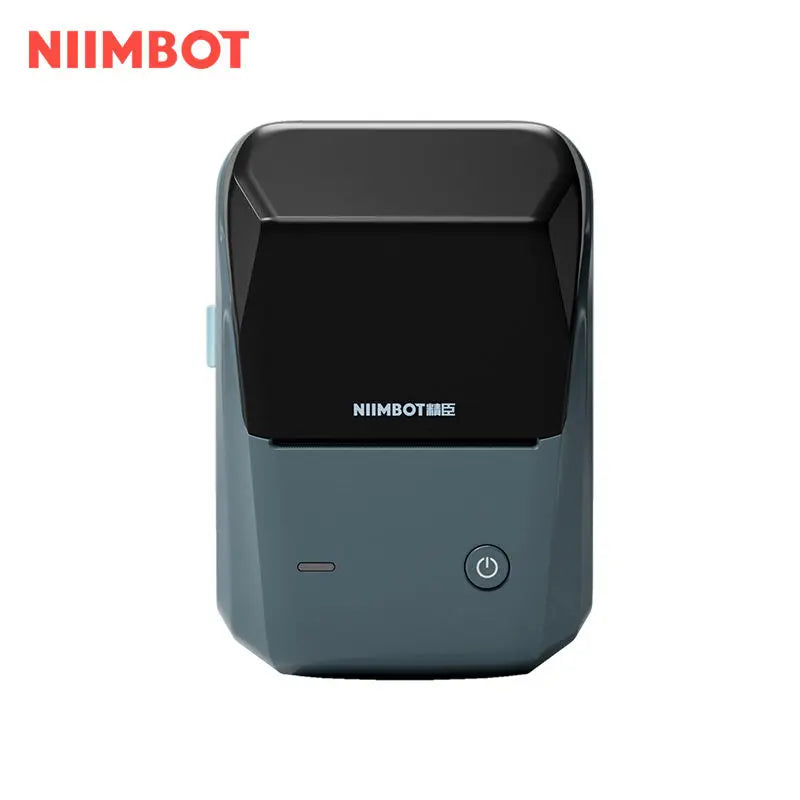
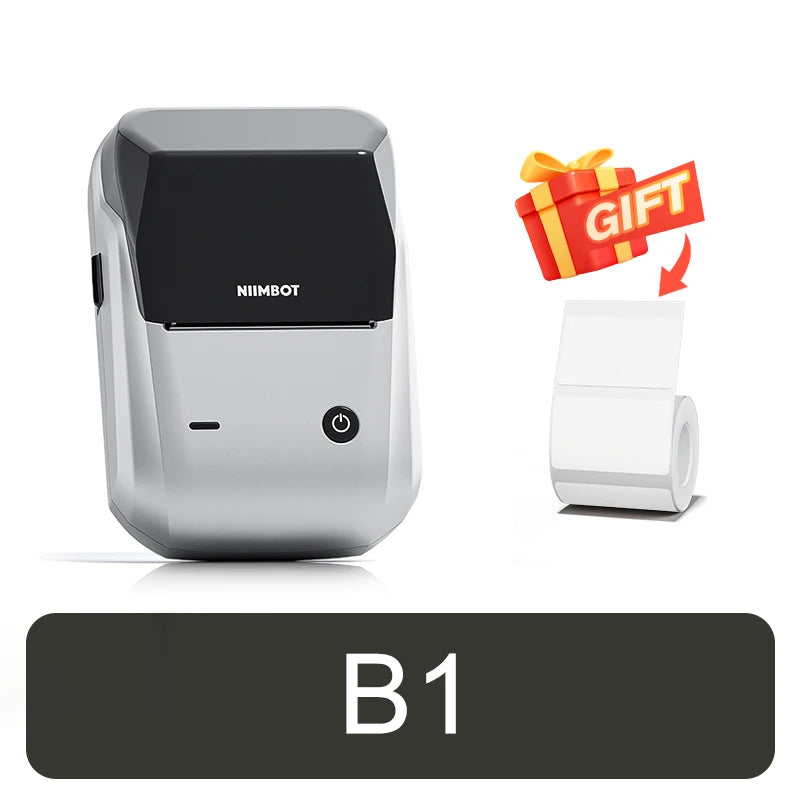
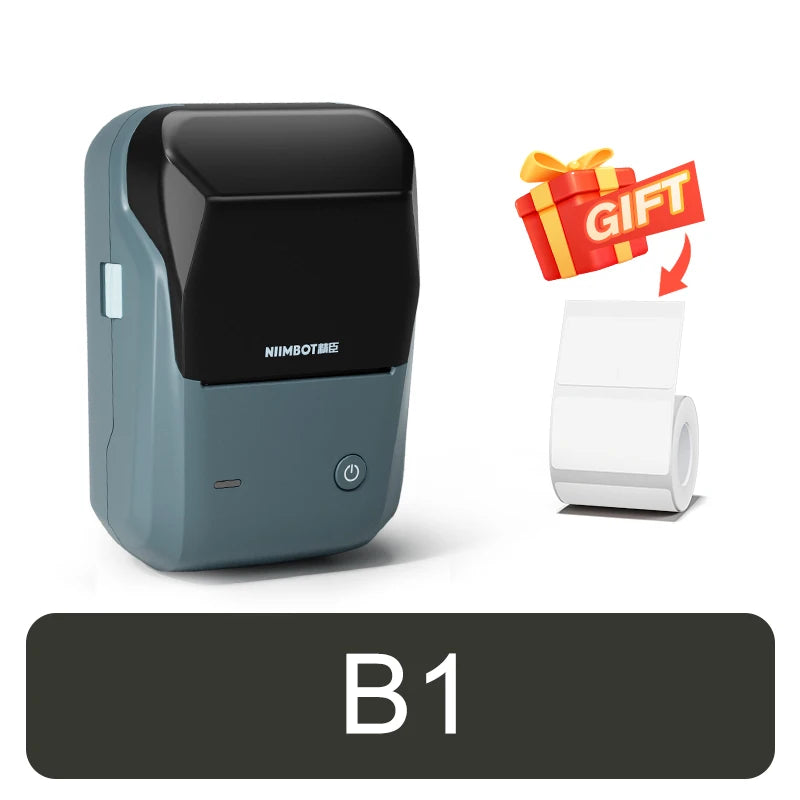
NIIMBOT B1 Mini Thermal Self-adhesive Labels Printer Bluetooth Portable QR Code Label Maker For Android Windows iOS


-
SPECIFICATIONS
After-sale Service: Shop's Three Guarantees
Application: Public Usage
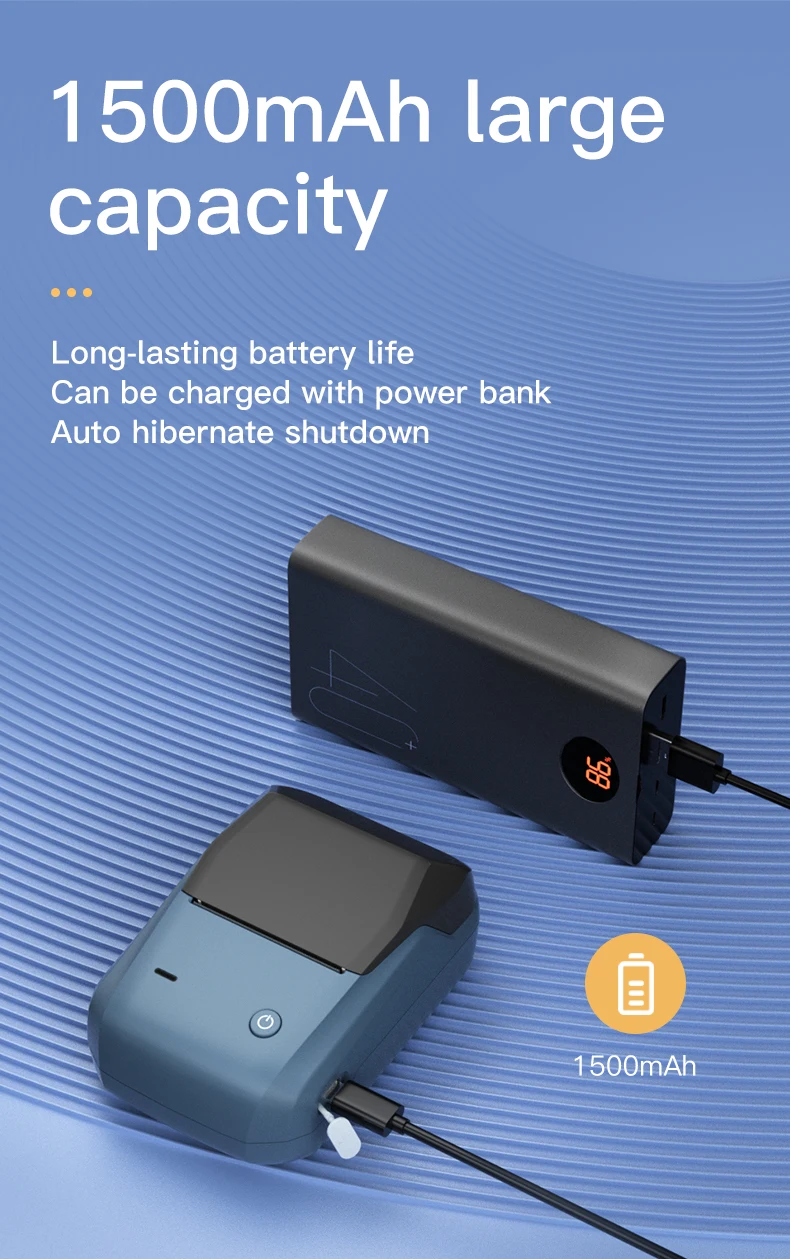
Battery-capacity: Lithium-Polymer battery(1500mAh)
Black Print Speed: max 50mm/s
Certification: CE,FCC,RoHS,KC,weee
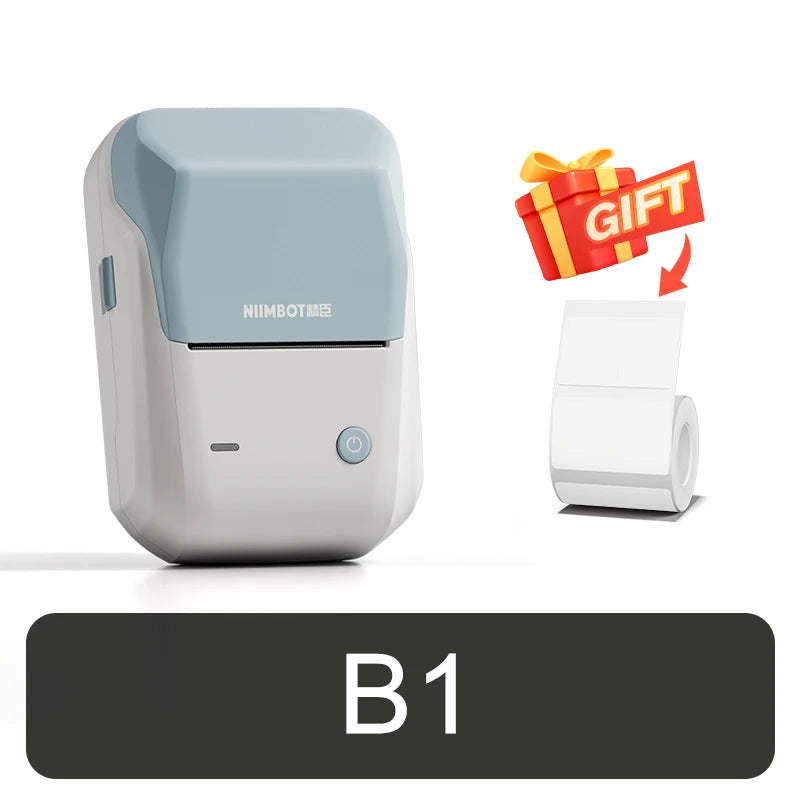
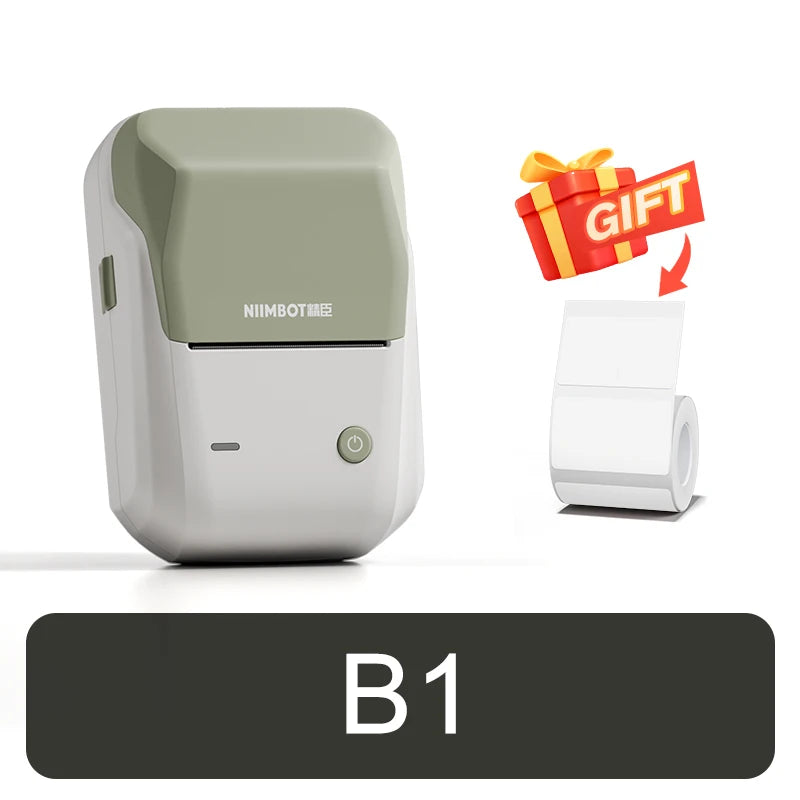
Color: Dark Blue, Light Green, Light Blue, Light Grey, Silver
Color Print Speed: No
Consumable Type: Thermal Paper
Dot Matrix Printer Type: Universal ticket printer
Double-sided Printing: No
High-concerned chemical: None
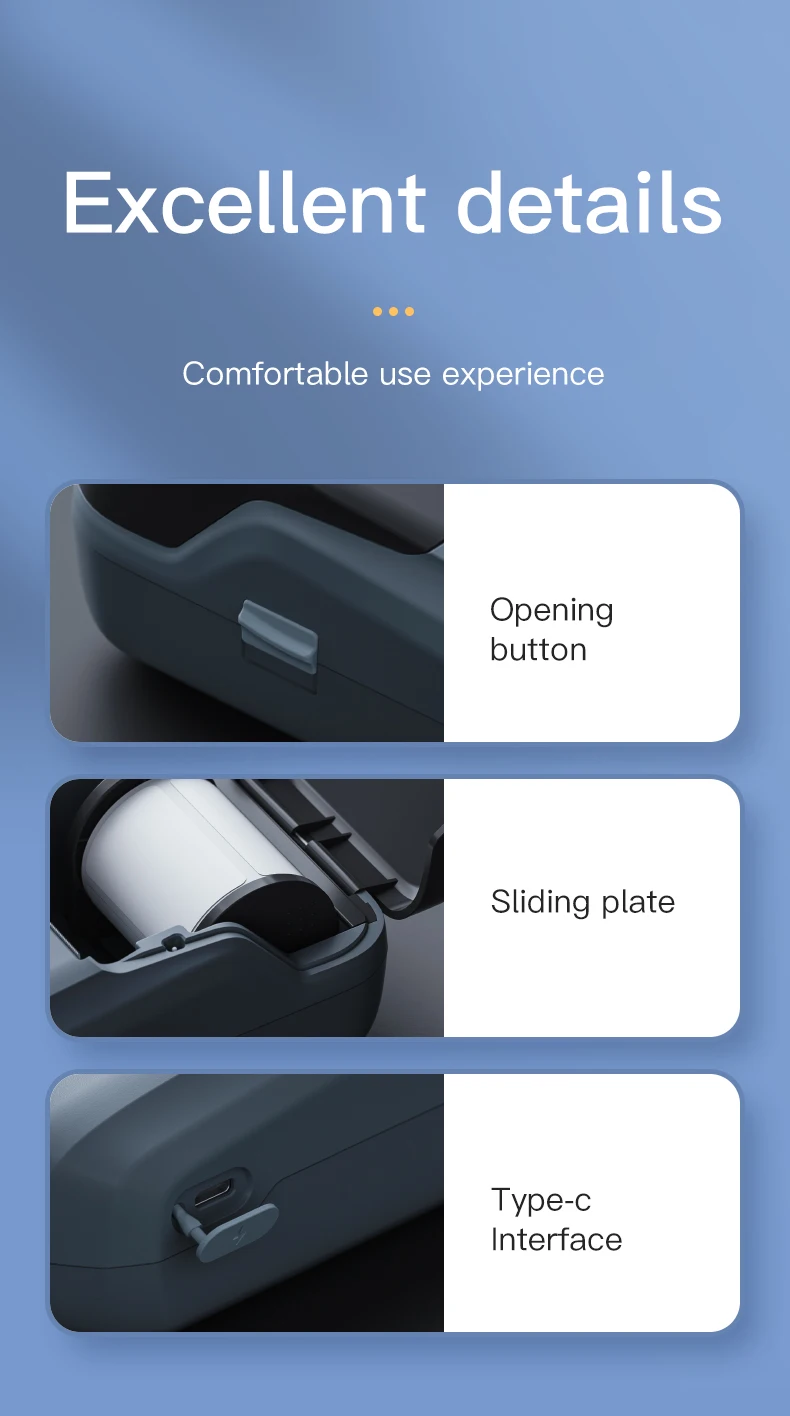
Interface Type: TYPE-C
Internal Memory: None
Material: High Quality ABS
Max Paper Size: 50mm
Max Paper width: 20-50mm
Max. Resolution: 203dpi
NiiMbot Model: B1
Paper Feed Mode: Roll Feed
Print Speed: 40ppm
Printing Technology: Thermal printing
Product Size: 132*91*62mm (W*D*H)
Signal Connection Type: Bluetooth
Supports Network Printing: No
Type: Thermal Printer
Use: Label Maker
Voltage: 100-240V
NIIMBOT B1 Mini Thermal Self-adhesive Labels Printer Bluetooth Portable QR Code Label Maker For Android Windows iOS
【Specification】
*Model: NiiMbot B1
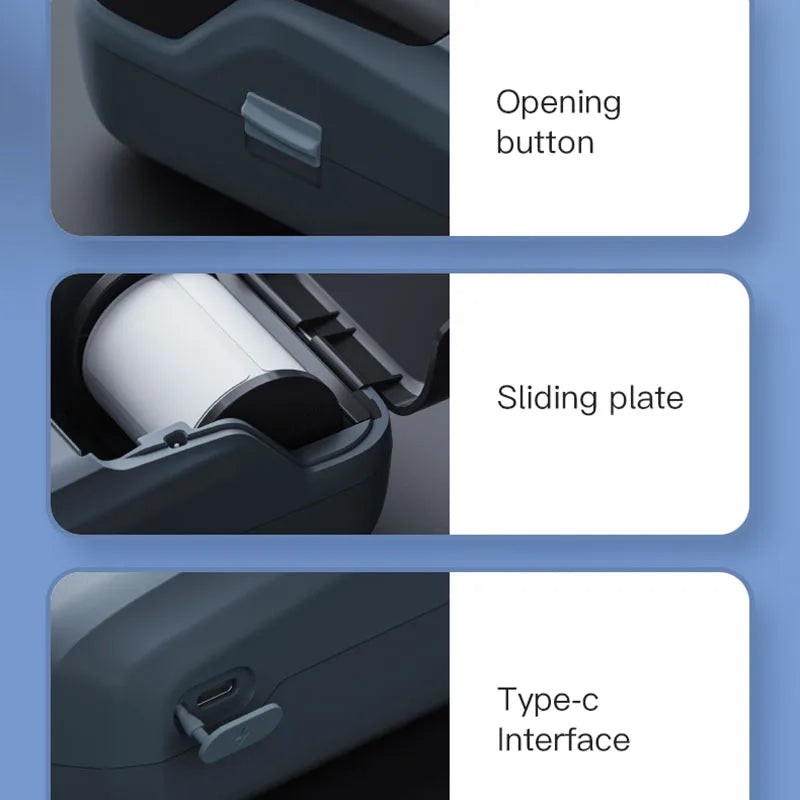
*Charging interface: Type-c
*Material: High Quality ABS
*Charging time: 3-4 hours
*Product size: 132*91*62mm
*Consumable Type: Thermal Paper
*Max. Resolution: 203dpi
*Print Speed: max 50mm/s
*Interface Type: bluetooth
*Product net weight: 293g
*Color: Dark Blue, Light Green, Light Blue, Light Grey, Silver
*Battery-capacity: Lithium-Polymer battery(1500mAh)
*Print Width: 20-50mm【Features】
1. Imported print head with unique thermal printing algorithm, clear printing.
2. Intelligent paper-returning technology does not waste every label and saves costs.
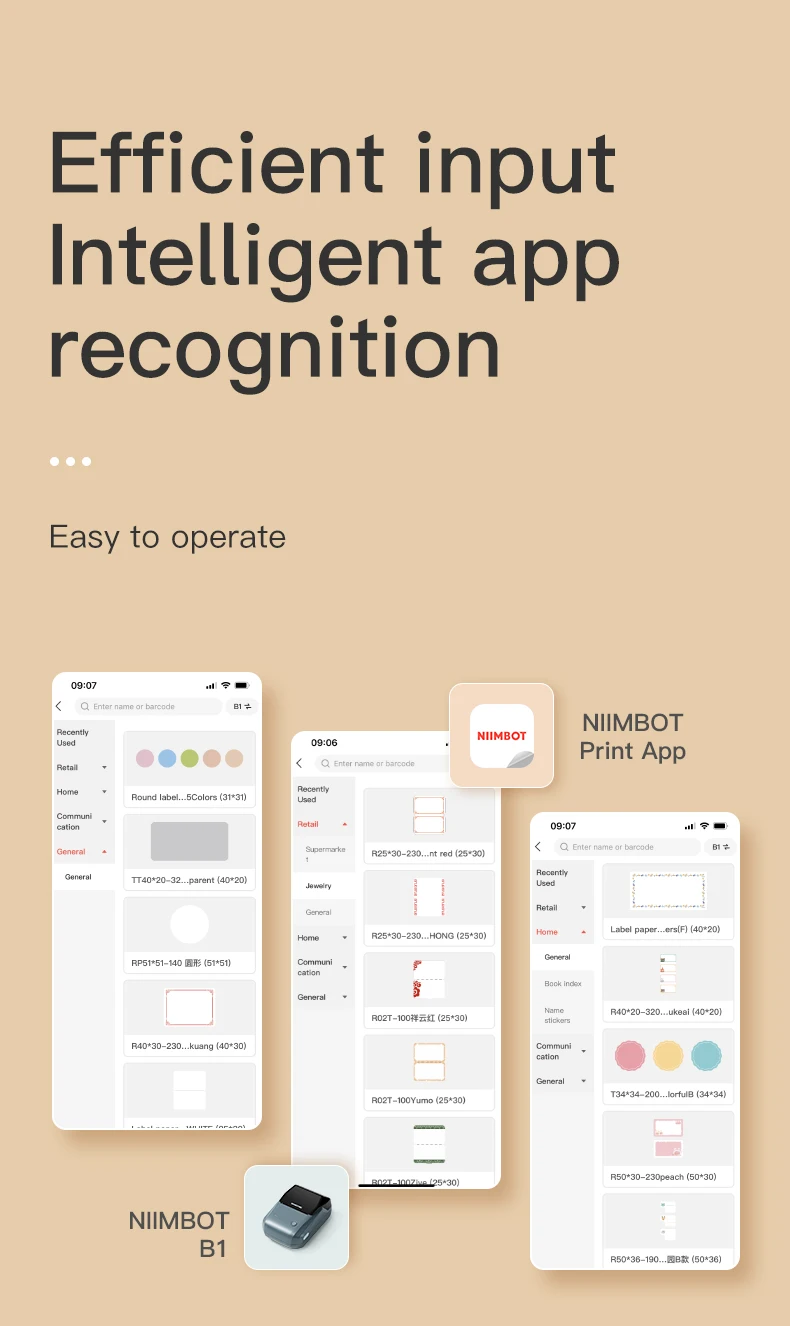
3. Smart RFID technology, smart identification template, more convenient and fast operation.
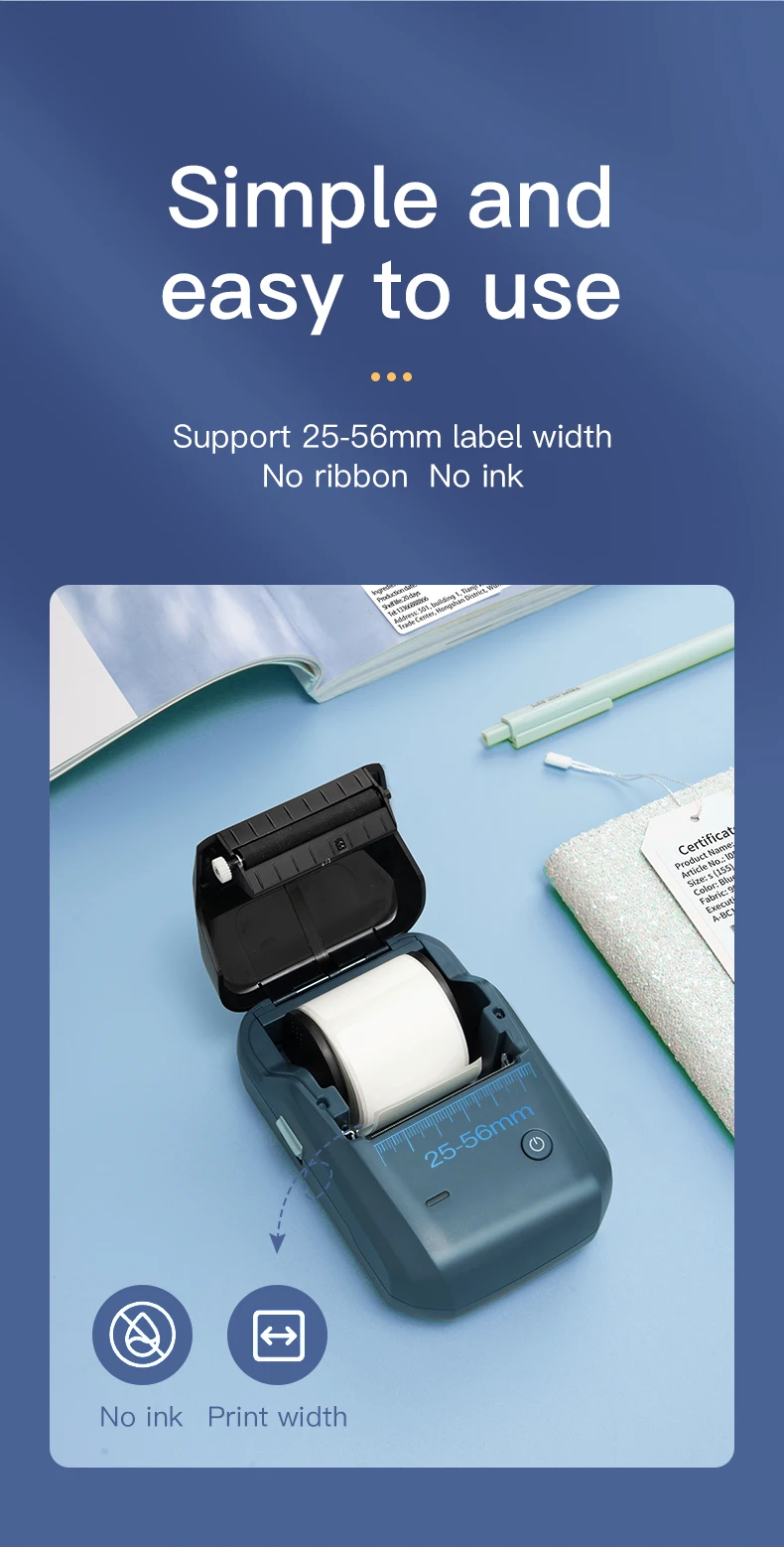
4. Direct thermal, no ink, toner, or ribbons.
5. Half the weight and size of the traditional label maker.
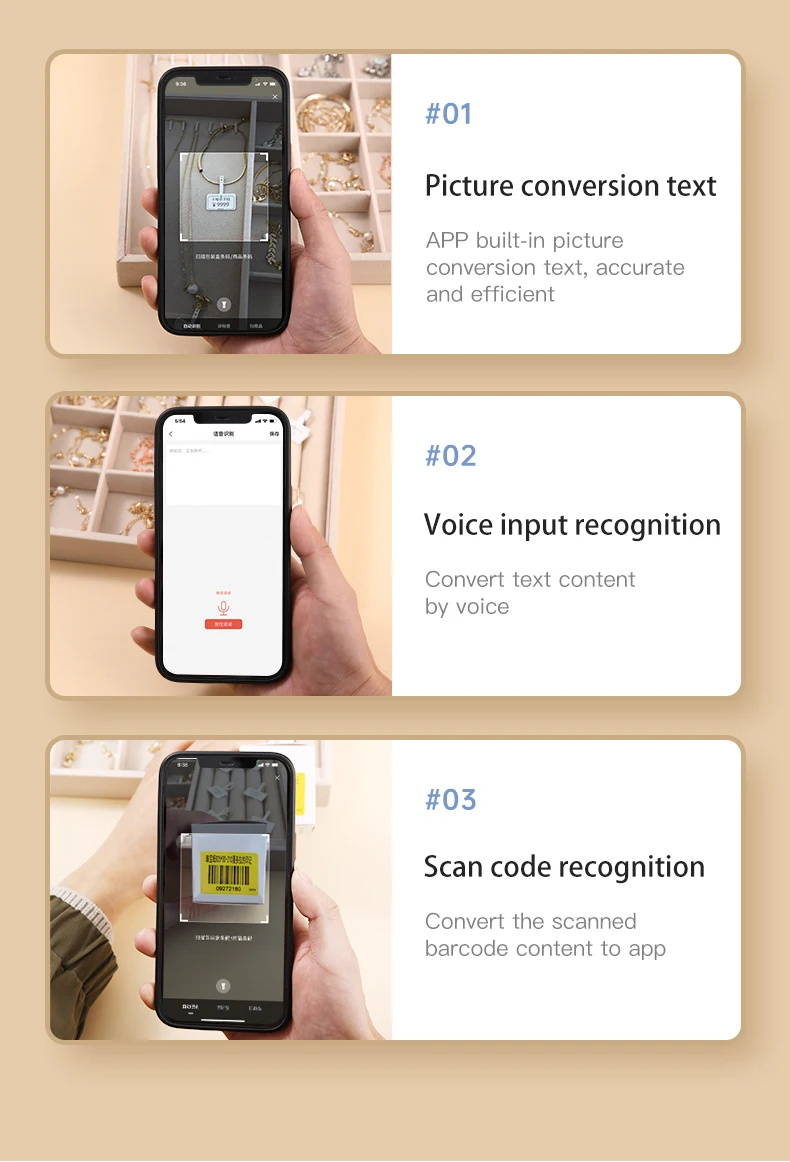
6. Three intelligent recognition inputs
①Speech recognition, you can type, label, or speak
②Picture to text, the picture is automatically converted to text with high accuracy
③Scan code recognition, convert the scanned barcode content into text or barcode, and copy to APP
7. Bluetooth link, connection distance is up to 10m, compatible with iOS, Android, tablet, Windows, and other devices.
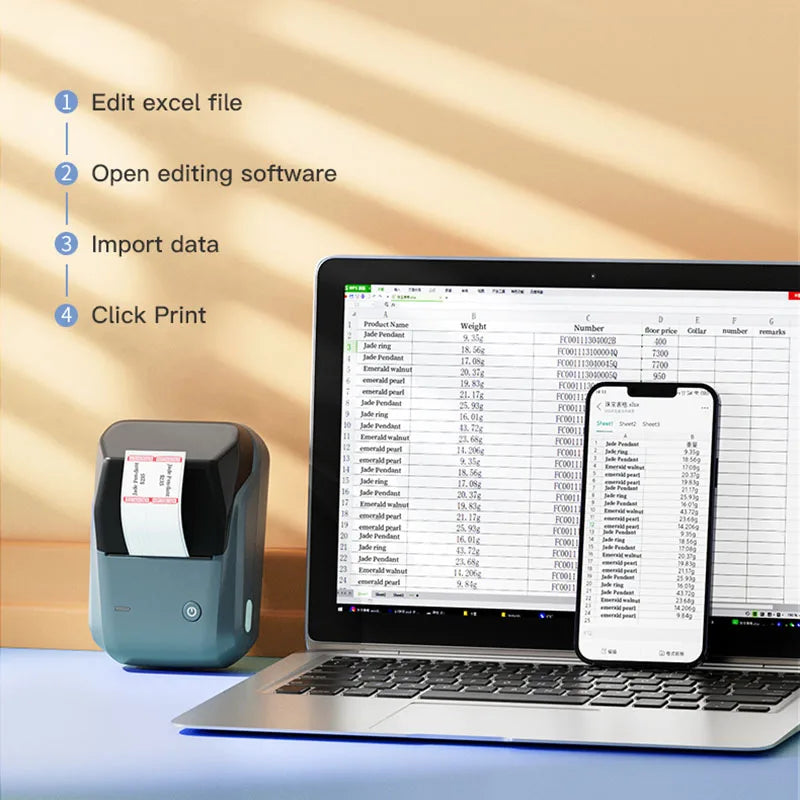
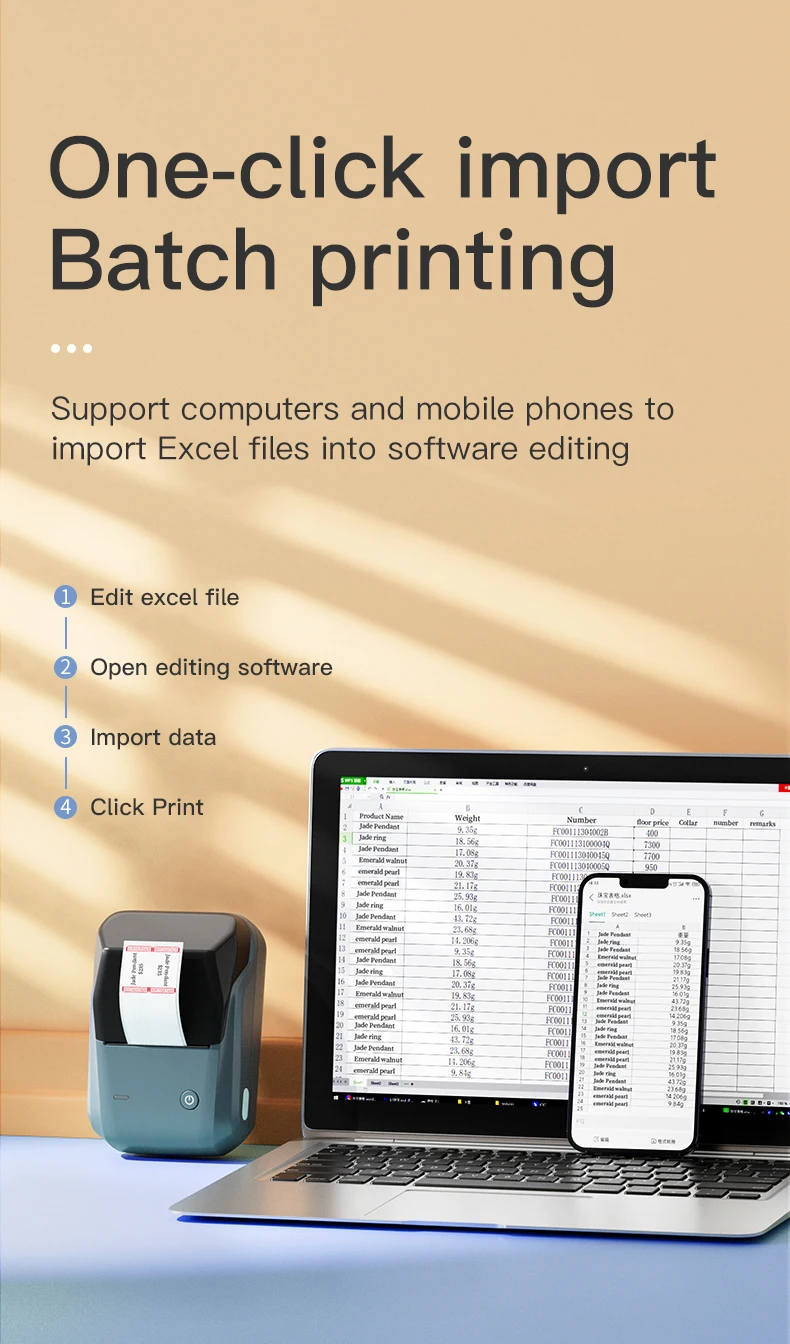
8. Rich content, one "print" is complete, diversified printing content, time, one-dimensional code, two-dimensional code, picture, line, Chinese, English, Japanese and Korean, and other languages
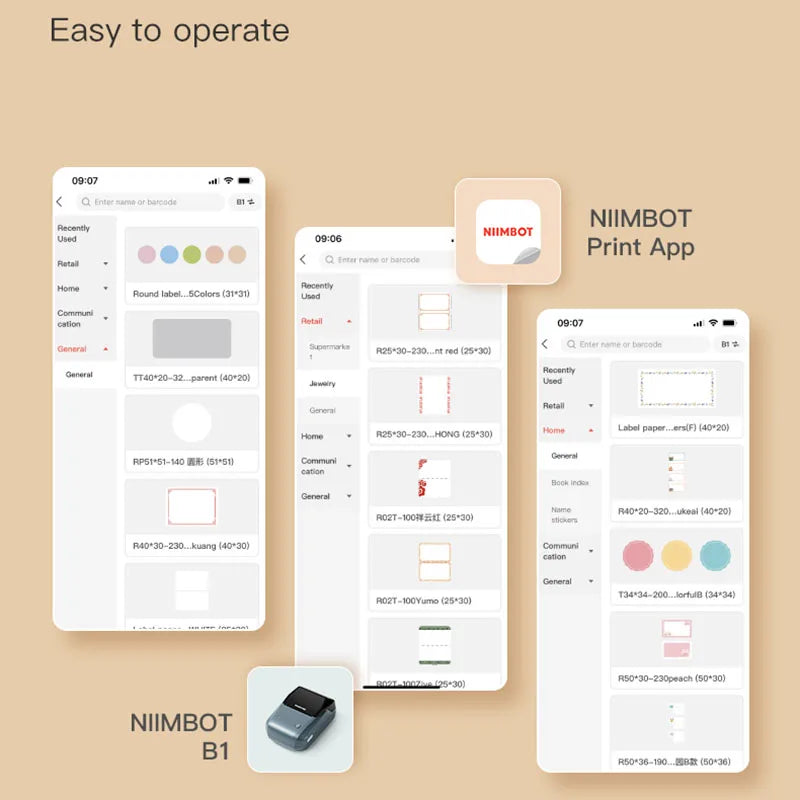
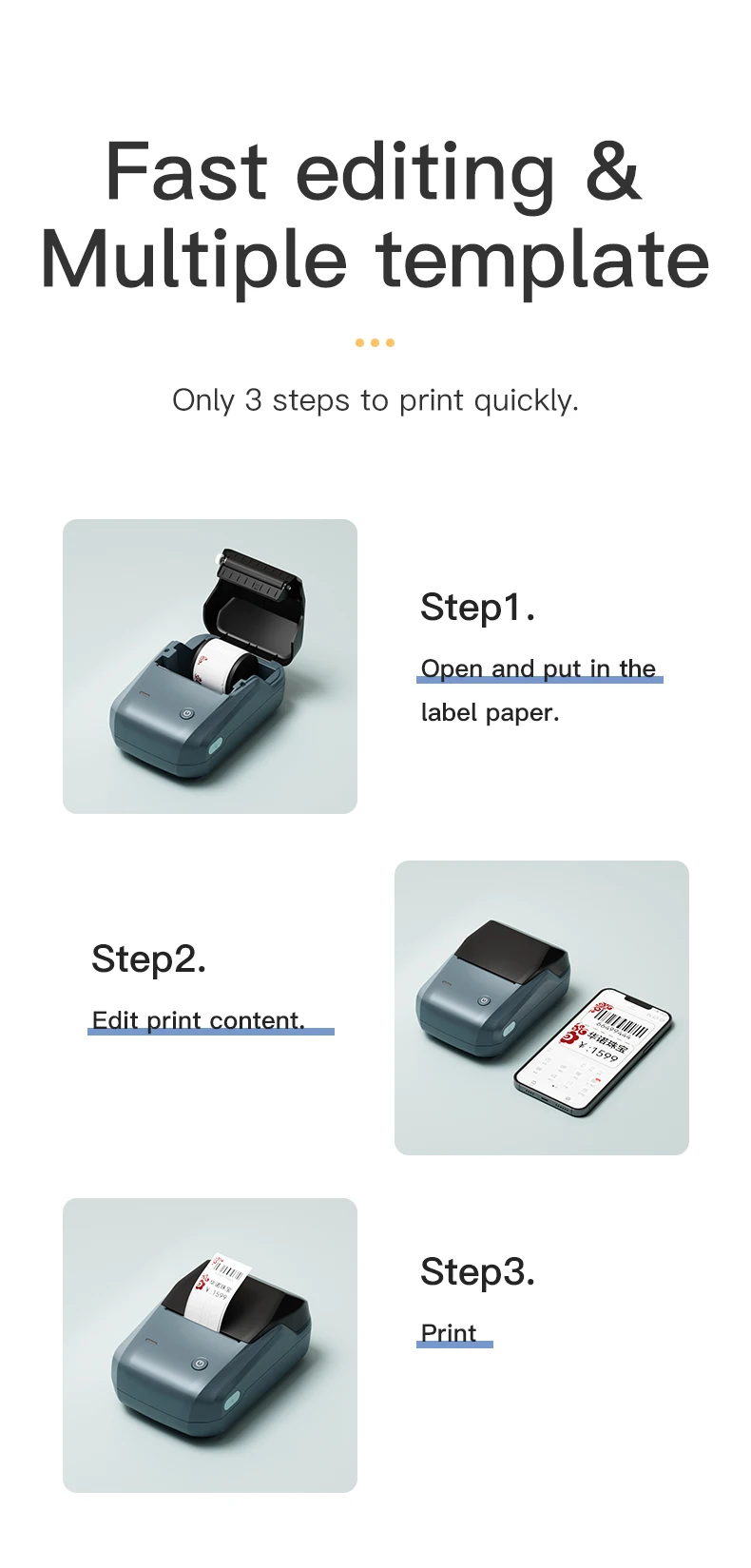
9. Rich industry templates, one-click editing, and printing, thousands of industry templates built in the APP can be directly called, no typesetting, and support for saving custom templates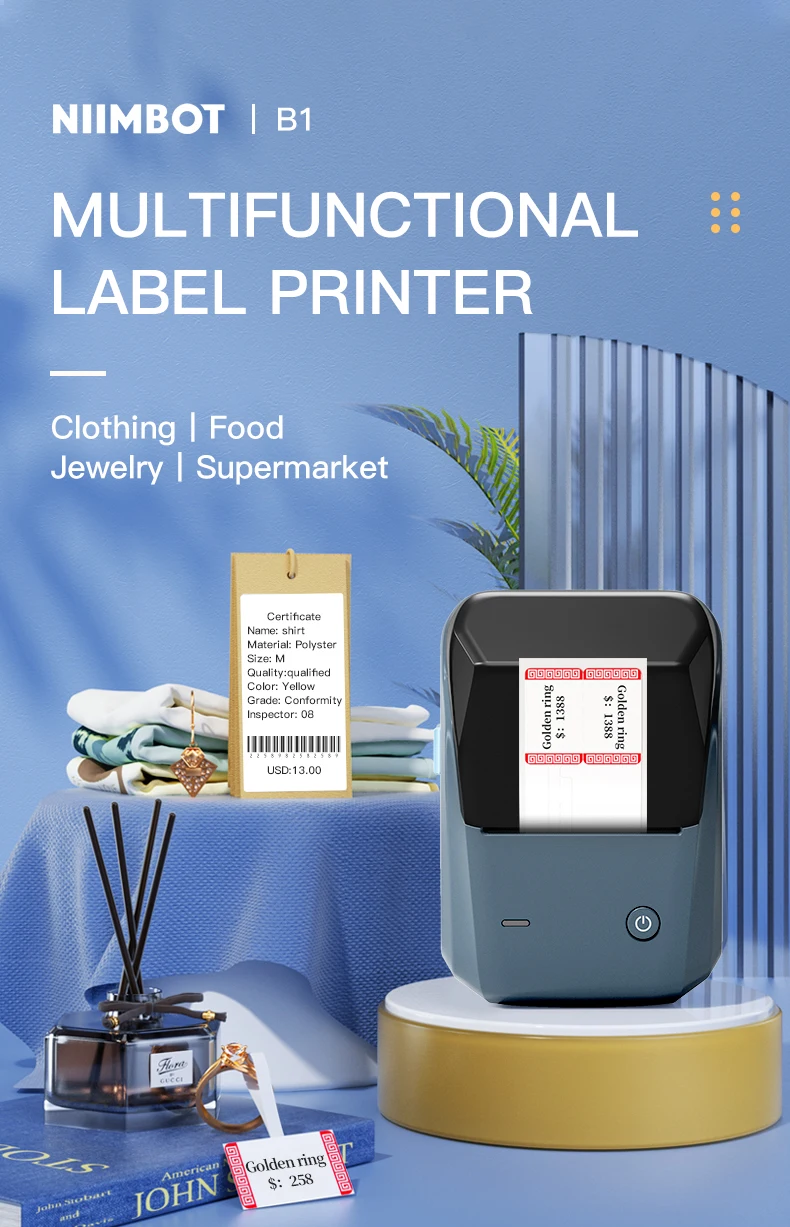
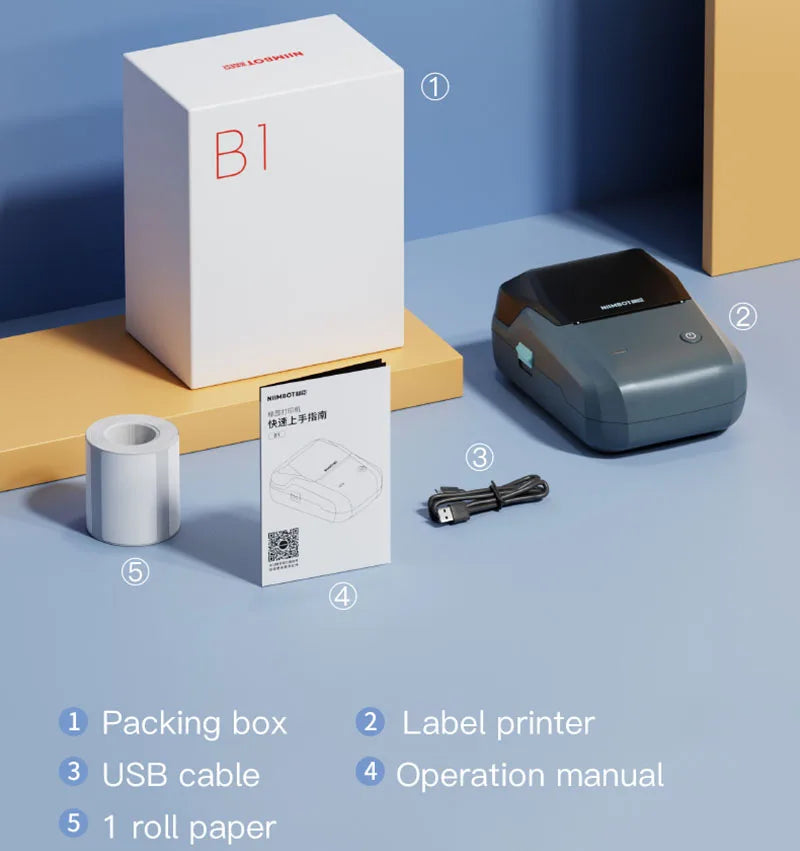
【Packing Includes】(Standard)
1 * B1 Label Printer (Print Width: 25-50mm)
1 * Data Cable
1 * User Manual
1 * Label Paper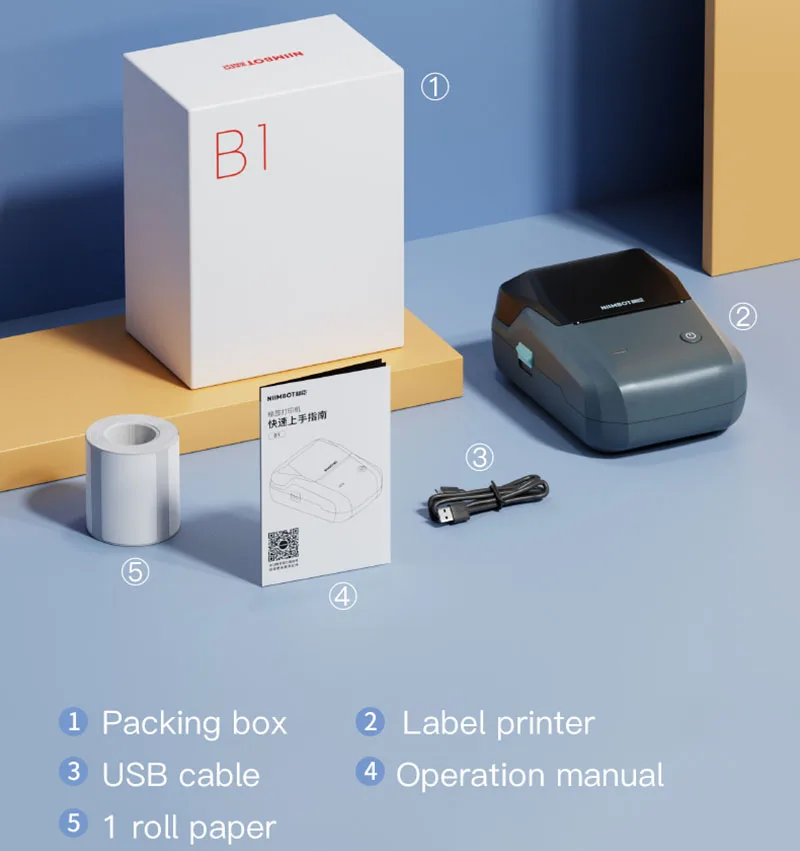
【Widely Used】
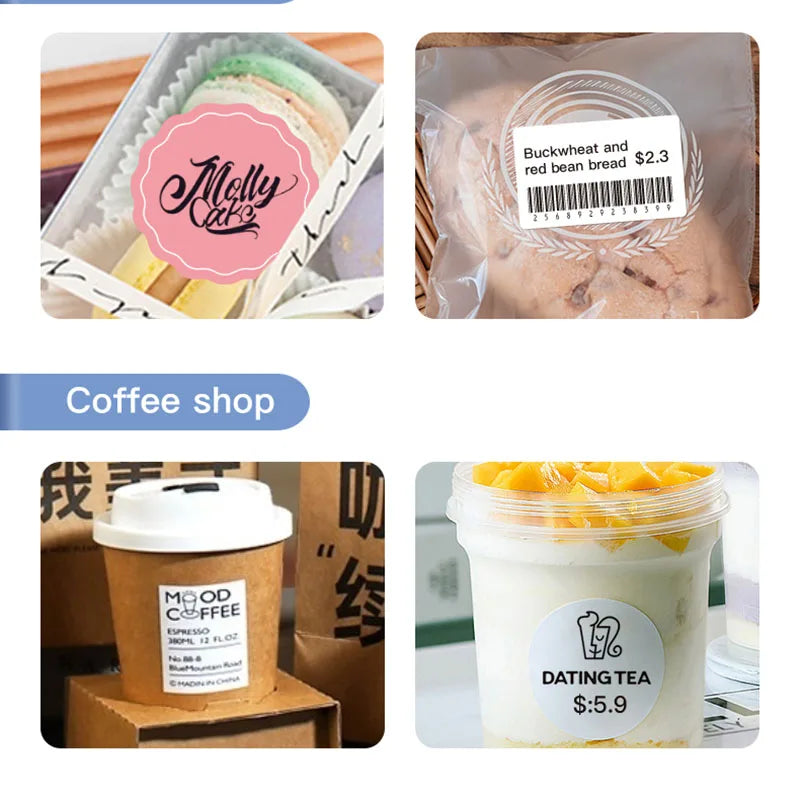
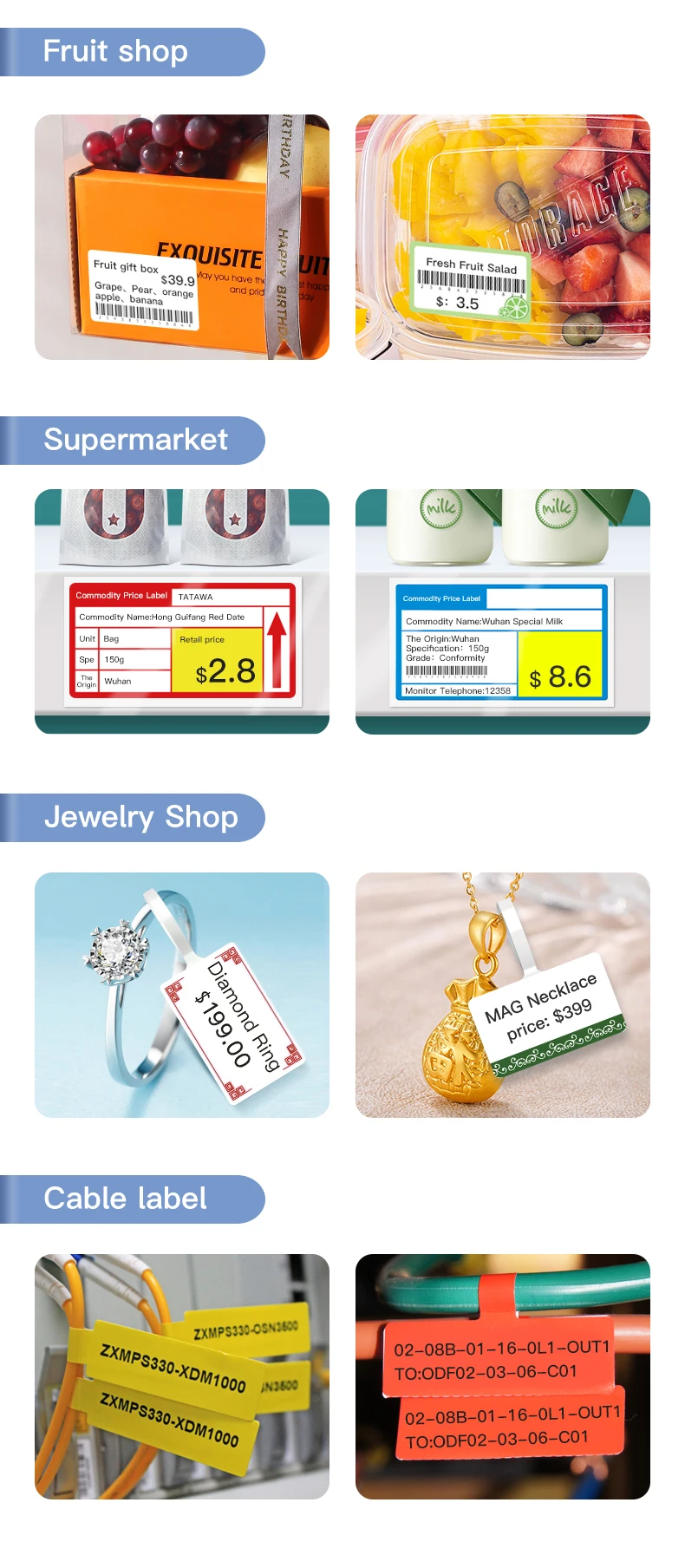
Widely used in bakery, crafts, retail,clothing, jewellery, small business owners, school,office,home business & home organization. Like address, barcode, price, date, ingredients, and product labeling. Ideal for a variety of daily labeling needs.
It is also a nice choice for Birthday, Anniversary, Housewarming, Wedding, Christmas, Halloween, Thanksgiving, Mother's Day.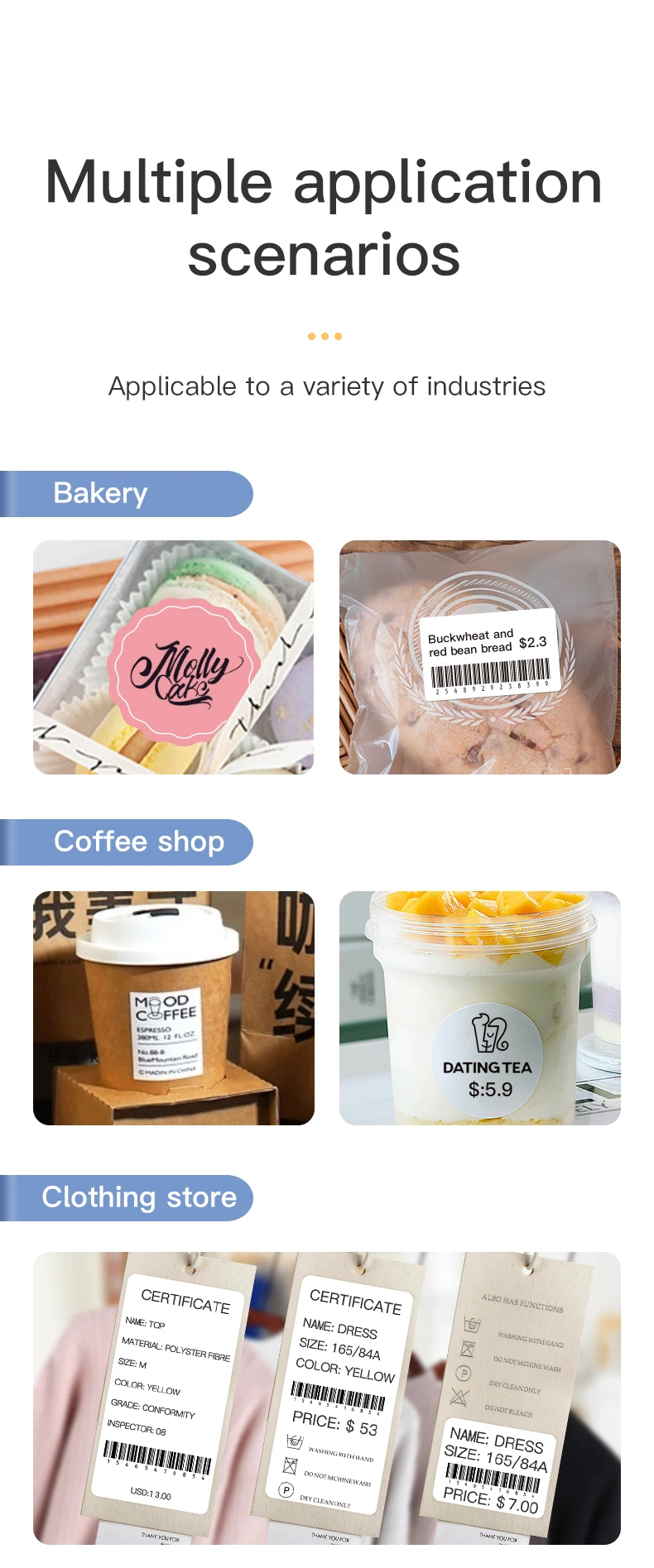
【FAQ】
Q: Does the printer support the Windows system?
A: Yes, please go to https://www.niimbot.net/enweb/app_download.html download NIIMBOT for PC, and connect the printer to the computer with a data cable, then you can install the label roll and edit it.
Q: Does the label printer come with a roll of label ?
A: Yes, the label paper is placed inside the label printer and can be found by opening the lid.
Q: Why is the label printer making noise but not the label coming out when printing?
A: This is because there is a sealing sticker on the label paper, please tear it off first, then close the lid and keep part of the first label paper exposed outside the printer.
Q: How do I maintain this label printer daily?
A: To maintain battery activity, it is recommended to charge it every 1-2 months.