
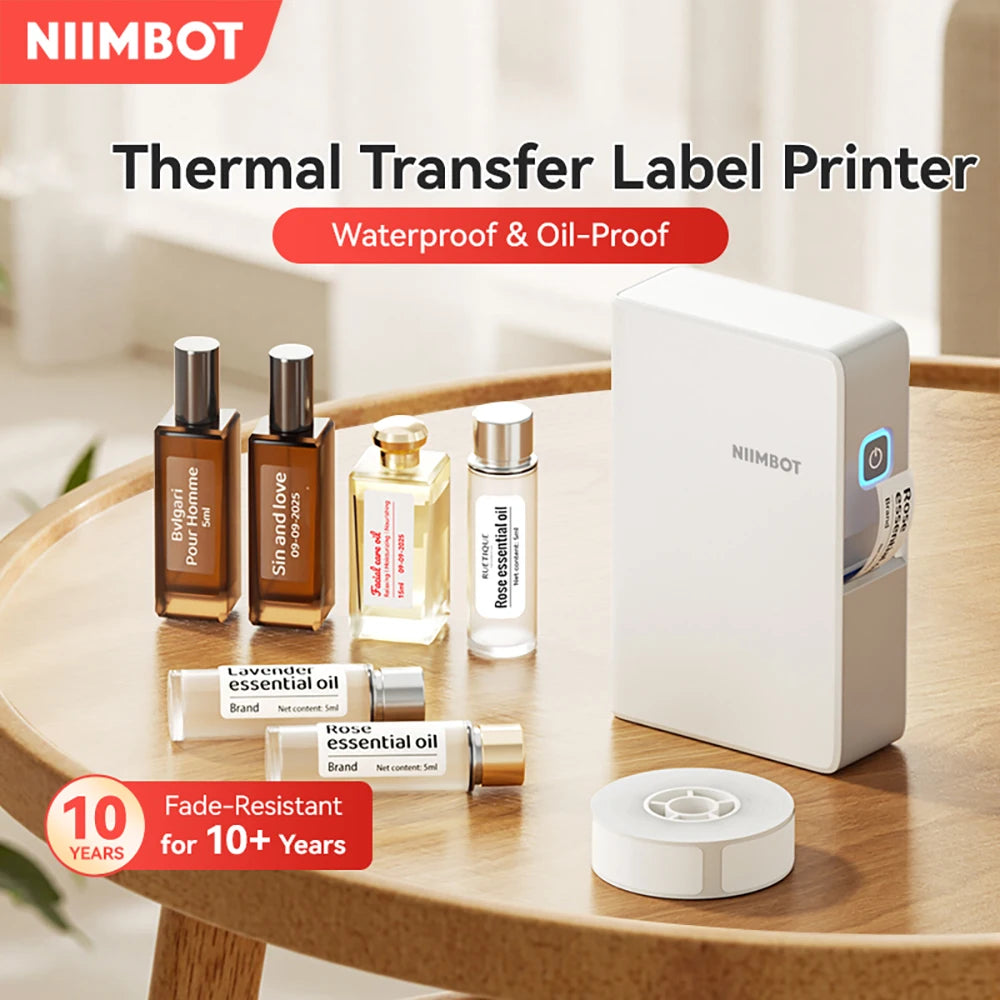
Niimbot B18 Thermal Transfer Label Maker With Tape Bluetooth Label Printer for Essential Oil Long time Storage Fade-Resistant


-
SPECIFICATIONS
After-sale Service: Shop's Three Guarantees
Application: For Home Use
Battery Included: Yes
Battery-capacity: 1200mAh
Black Print Speed: max 40mm/s
Certification: CE,FCC,RoHS,KC,weee
Charging interface: Type-c
Color Print Speed: no
Consumable Type: Thermal Paper
Dot Matrix Printer Type: Universal ticket printer
Double-sided Printing: No
High-concerned chemical: None
Interface Type: Bluetooth
Internal Memory: None
Material: ABS
Max Paper Size: 15mm Width
Max. Resolution: 203dpi
NiiMbot Model: B18
Paper Feed Mode: Roll Feed
Print Speed: 40ppm
Print Width: 10-15mm
Printing Technology: Thermal transfer
Product net weight: 308g
Signal Connection Type: Bluetooth
Size: 135*90*37mm
Supports Network Printing: No
Type: Thermal Printer
Use: Thermal Printer
Voltage: 100-240V
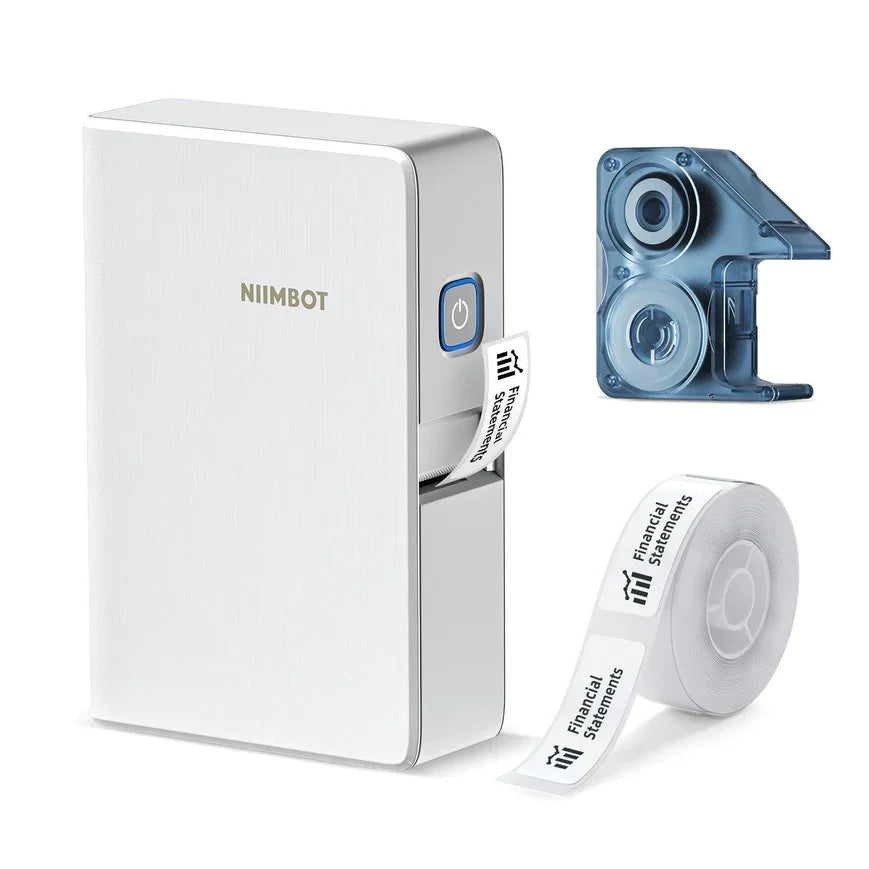
NIIMBOT B18 Wireless Portable Transfer Label Printer
【Features】
① Mini and light weight, convenient to carryNIIMBOT's first 0.5'' mini thermal transfer label printer/sticker maker
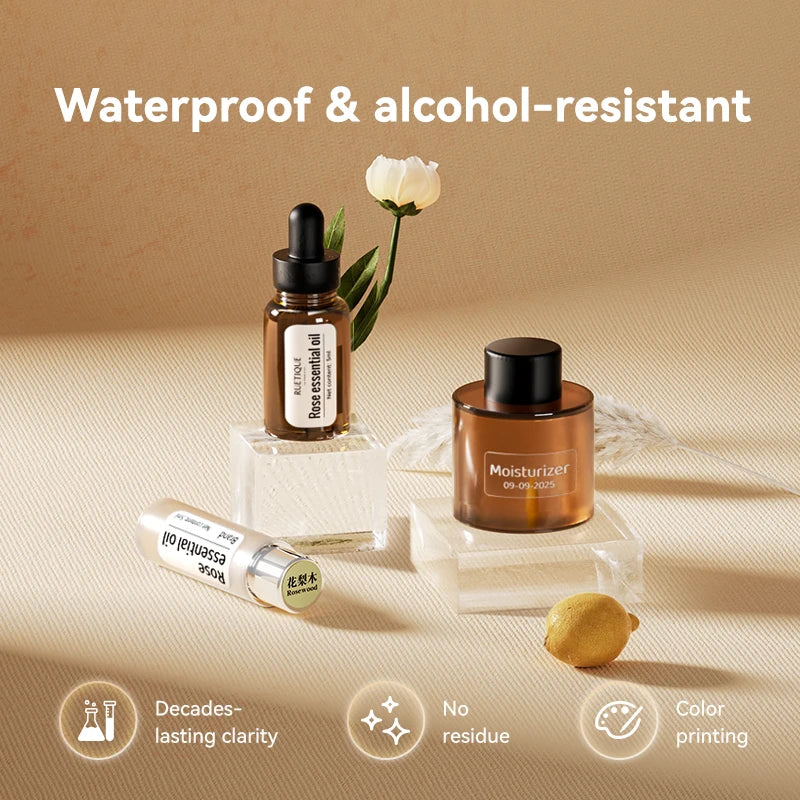
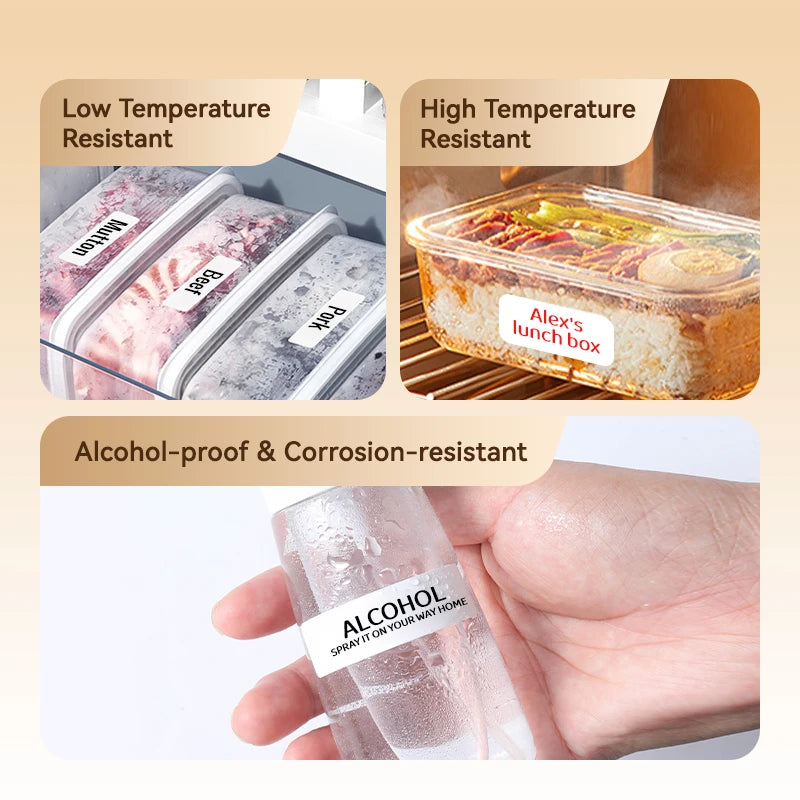
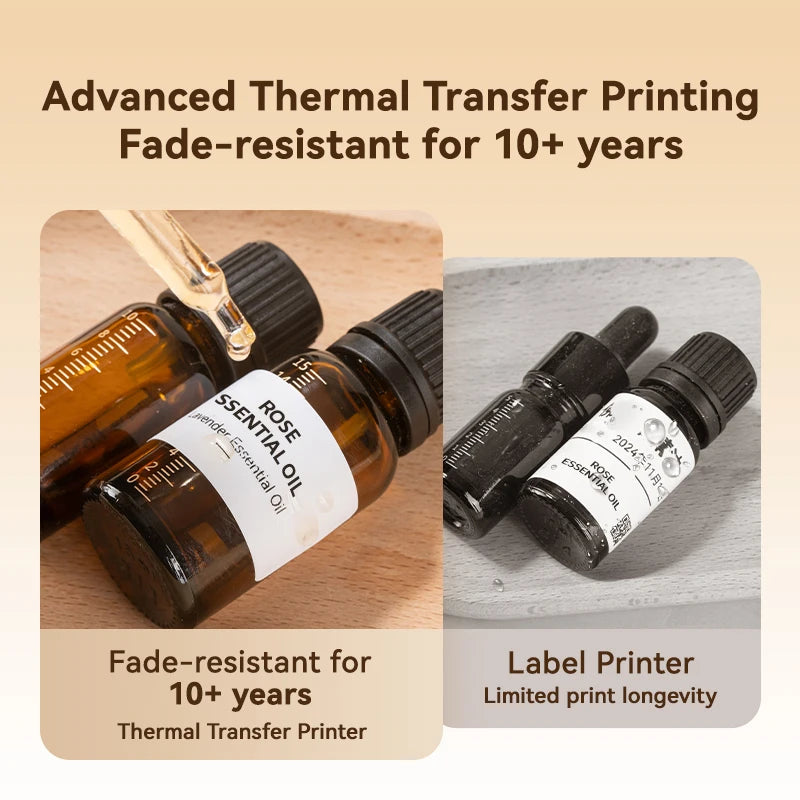
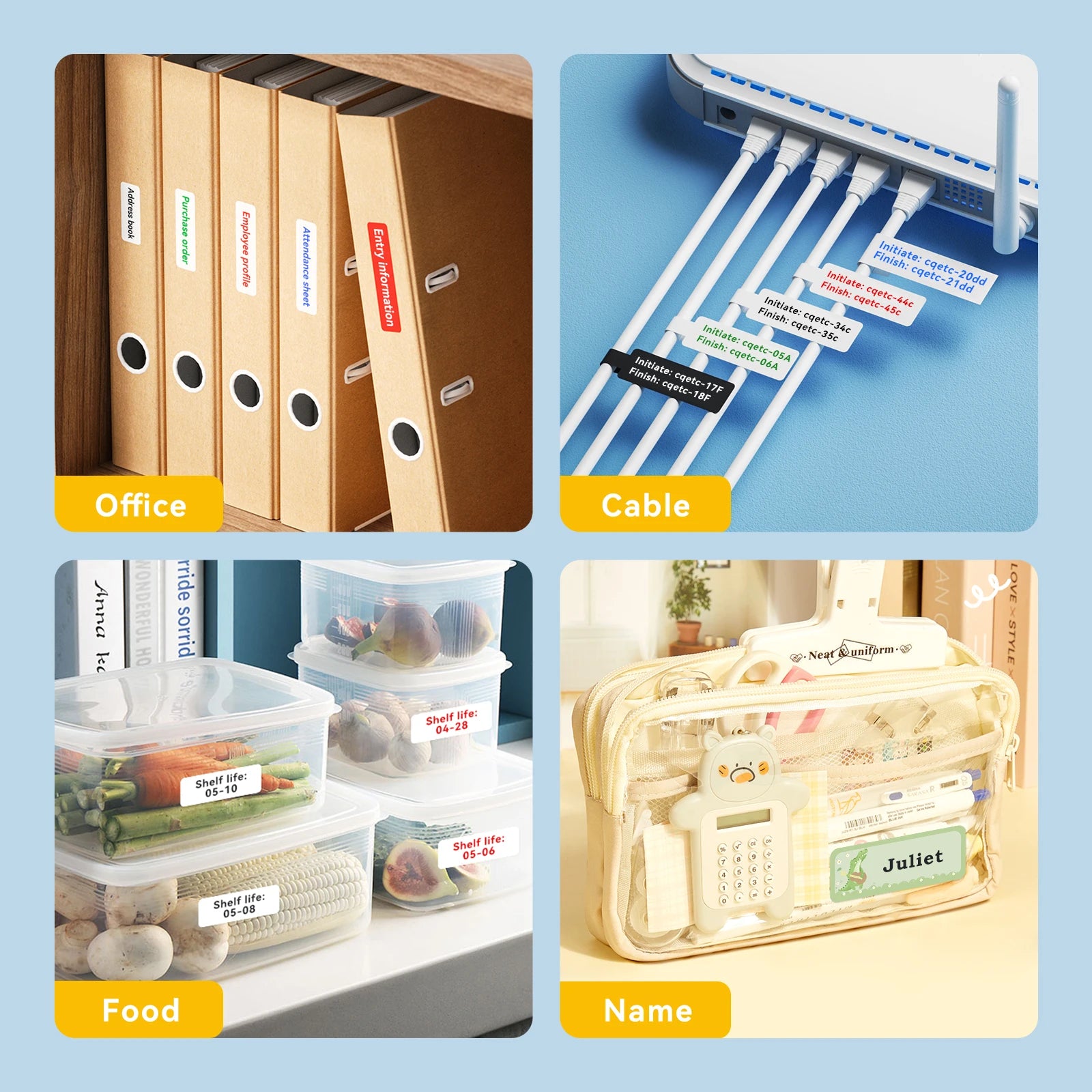
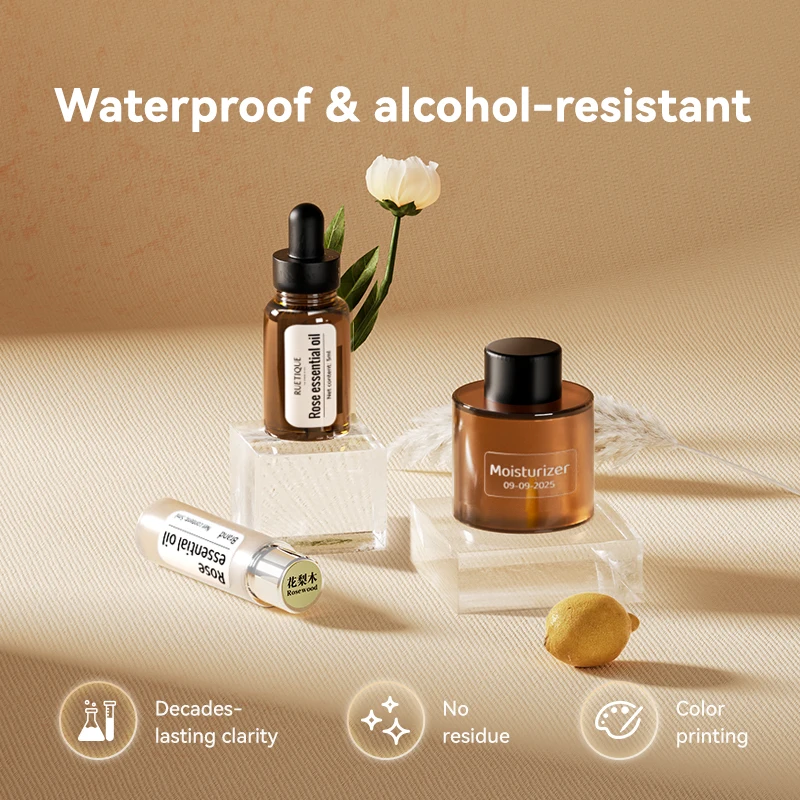
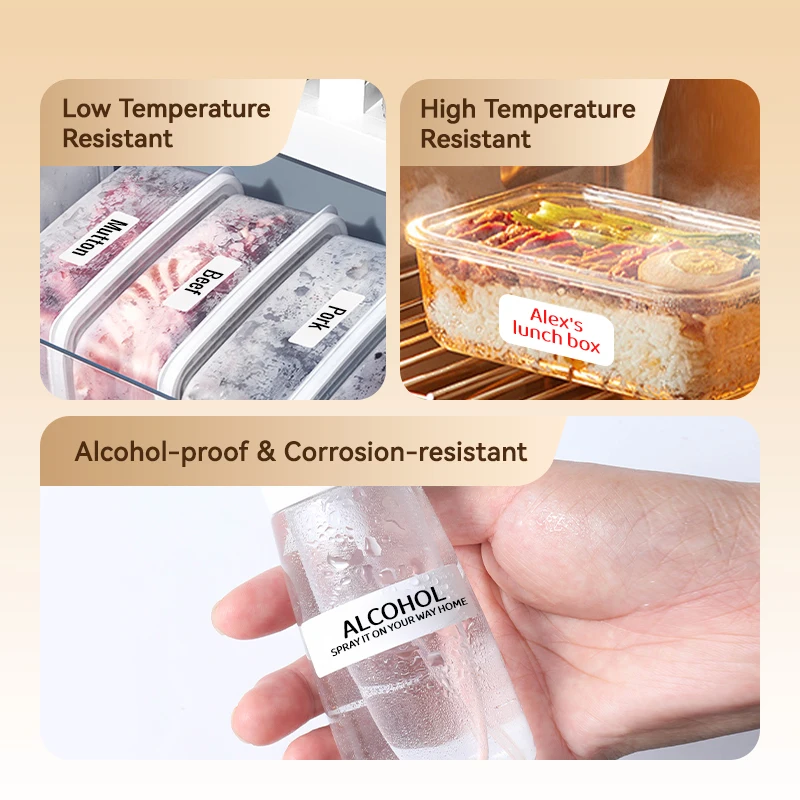
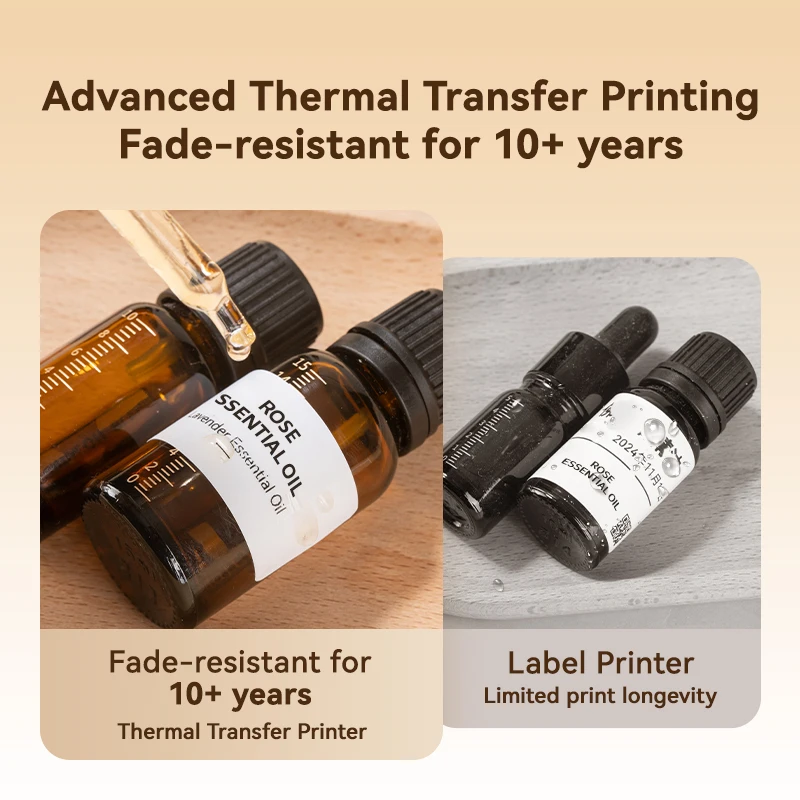
② Long-lasting - After testing, most of the label content can be kept for 8-10 yearsCompared with thermal paper, the content printed on thermal transfer labels is more durable and clear, wear-resistant and scratch-resistant, resistant to high and low temperature, and has strong adaptability.
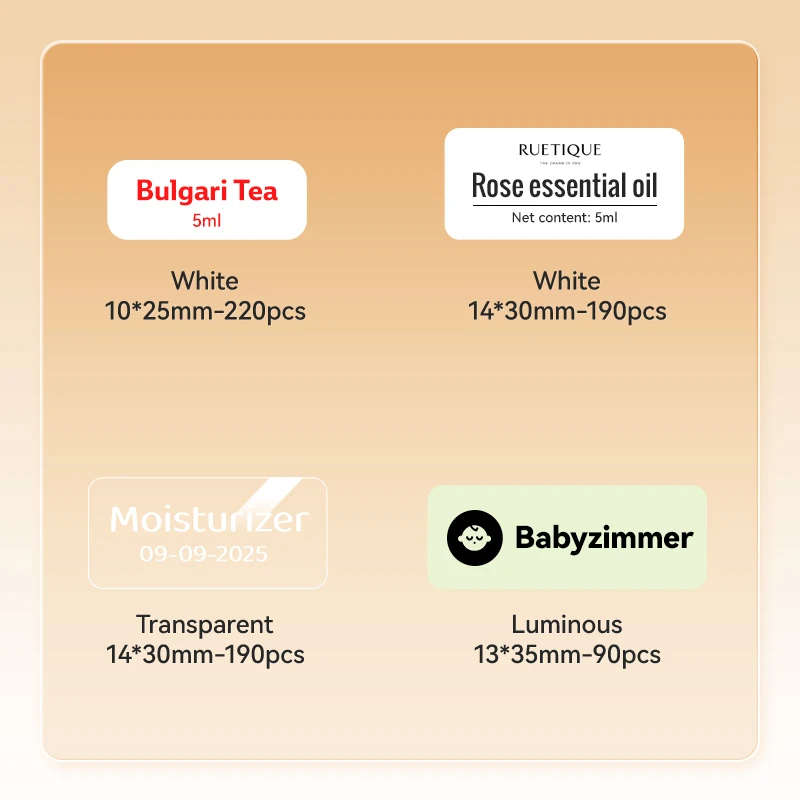
③ Color printing5 colors of ribbon and kinds of label paper you can choose, can be matched with the best printing results as you wish.
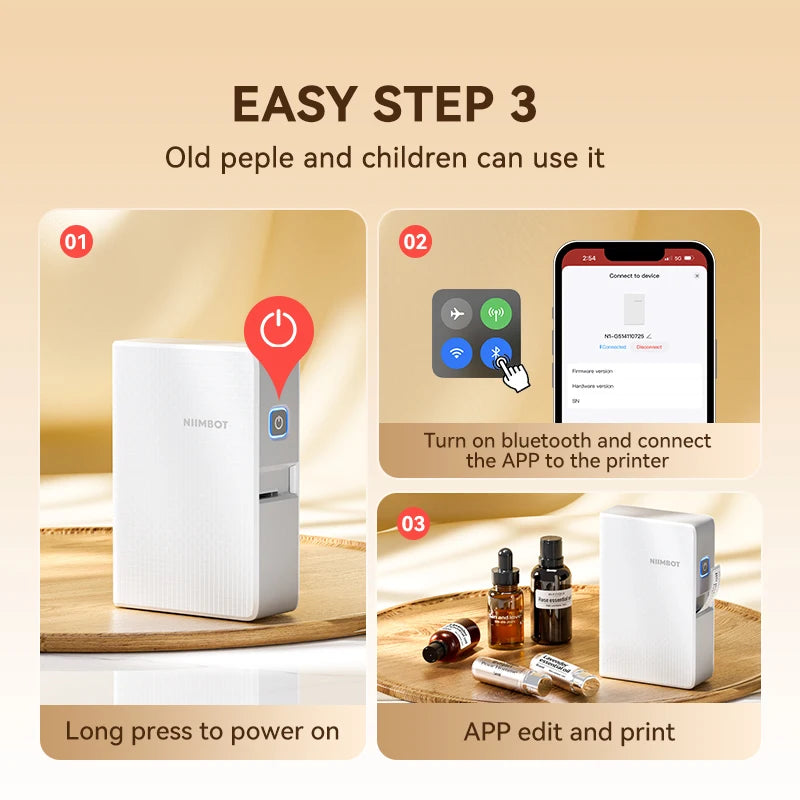
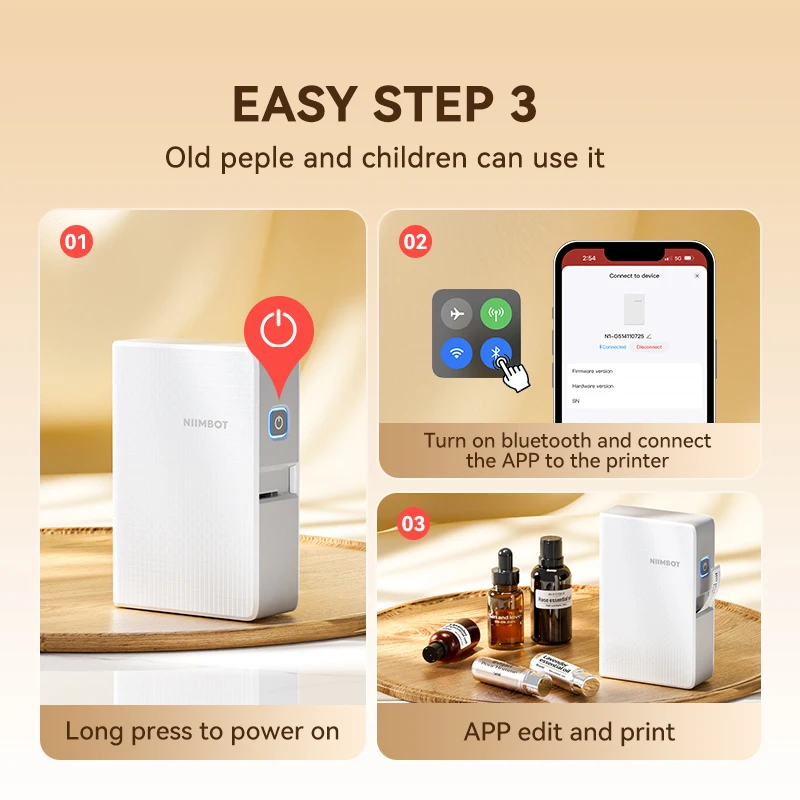
④ Bluetooth connectionSupports long distance printing, the wireless distance is up to 10m.
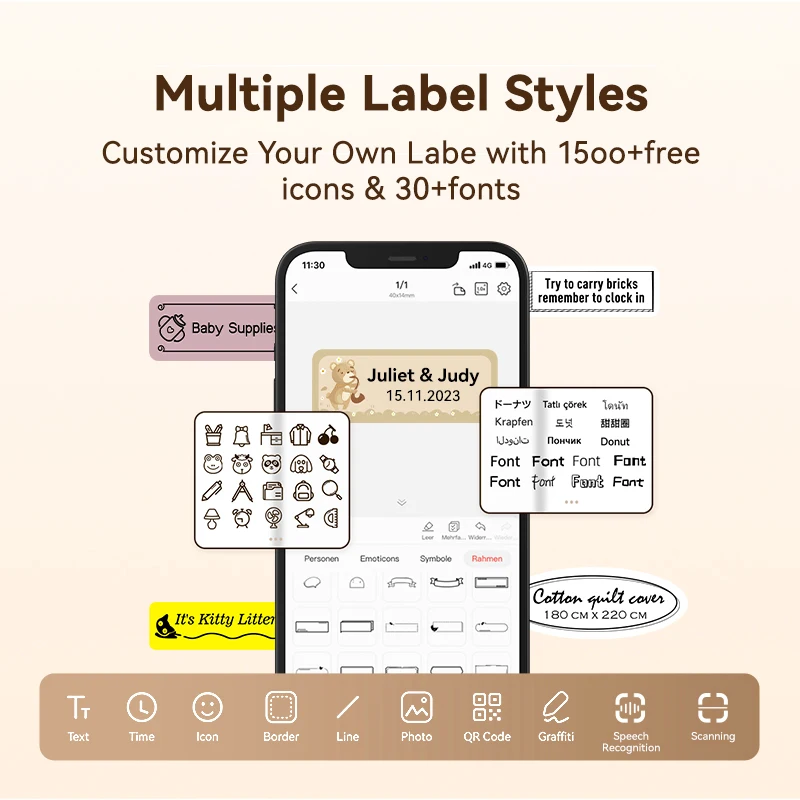
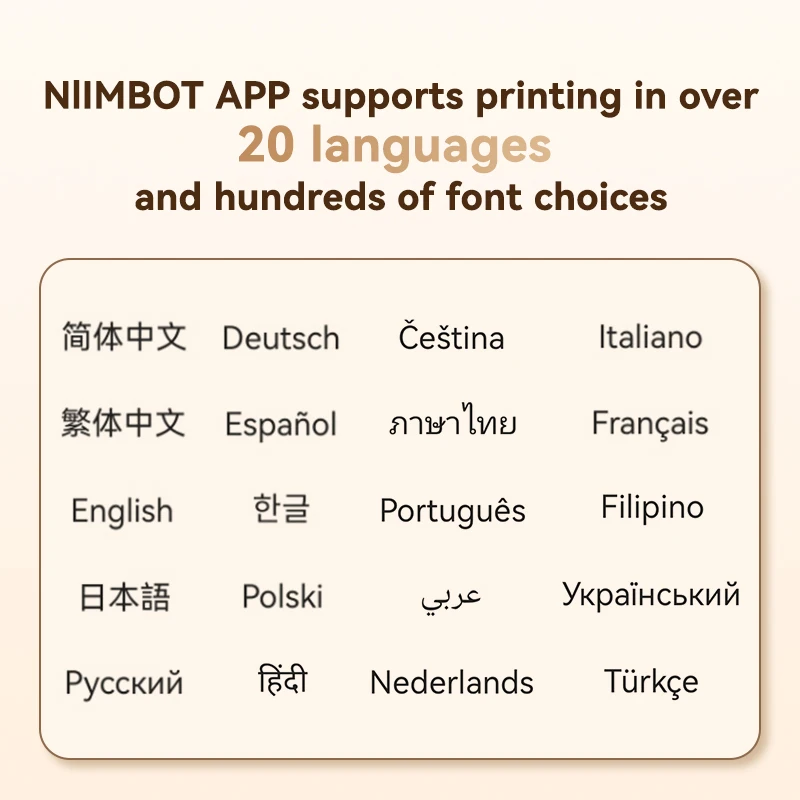
⑤ Portable EditingSupport Multi-Languages, Multi-Fonts, flexible typesetting according to your needs.
Contains a wealth of printing materials, a variety of common pattern logo, you can also import custom content by scanning or add an image to complete personalized DIY printing.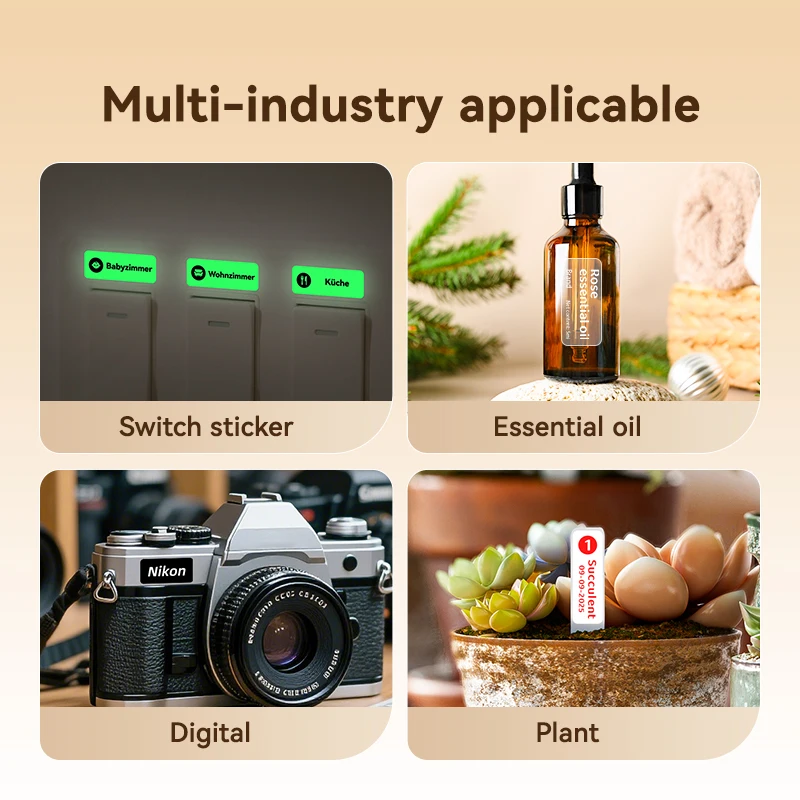
【FAQ】
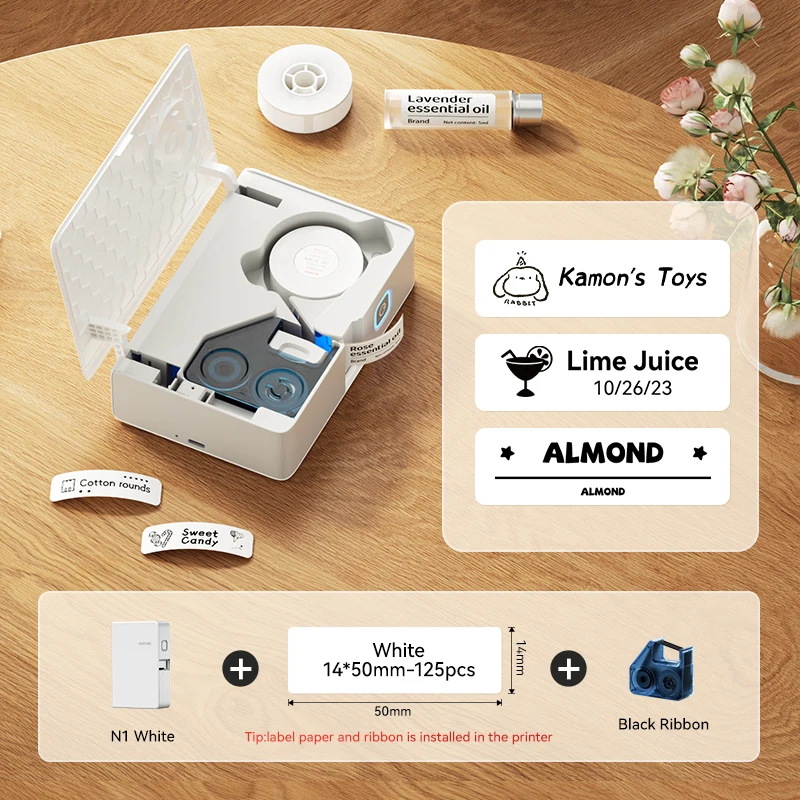
Q: Does the label printer come with a roll of labels and carbon ribbon?
A: Yes, the label paper and carbon ribbon are placed inside the label printer and can be found by opening the lid.
Q: Why is the label printer making noise but not the label coming out when printing?
A: This is because there is a sealing sticker on the label paper, please tear it off first, then close the lid and keep part of the first label paper exposed outside the printer.
Q: How do I maintain this label printer daily?
A: To maintain battery activity, it is recommended to charge it every 1-2 months.